Repository navigation
Where to enter commands??? #93
sgordon777
started this conversation in
General

Replies: 1 comment

|
If you open a directory in VS Code that contains one of those files, the extension will activate.
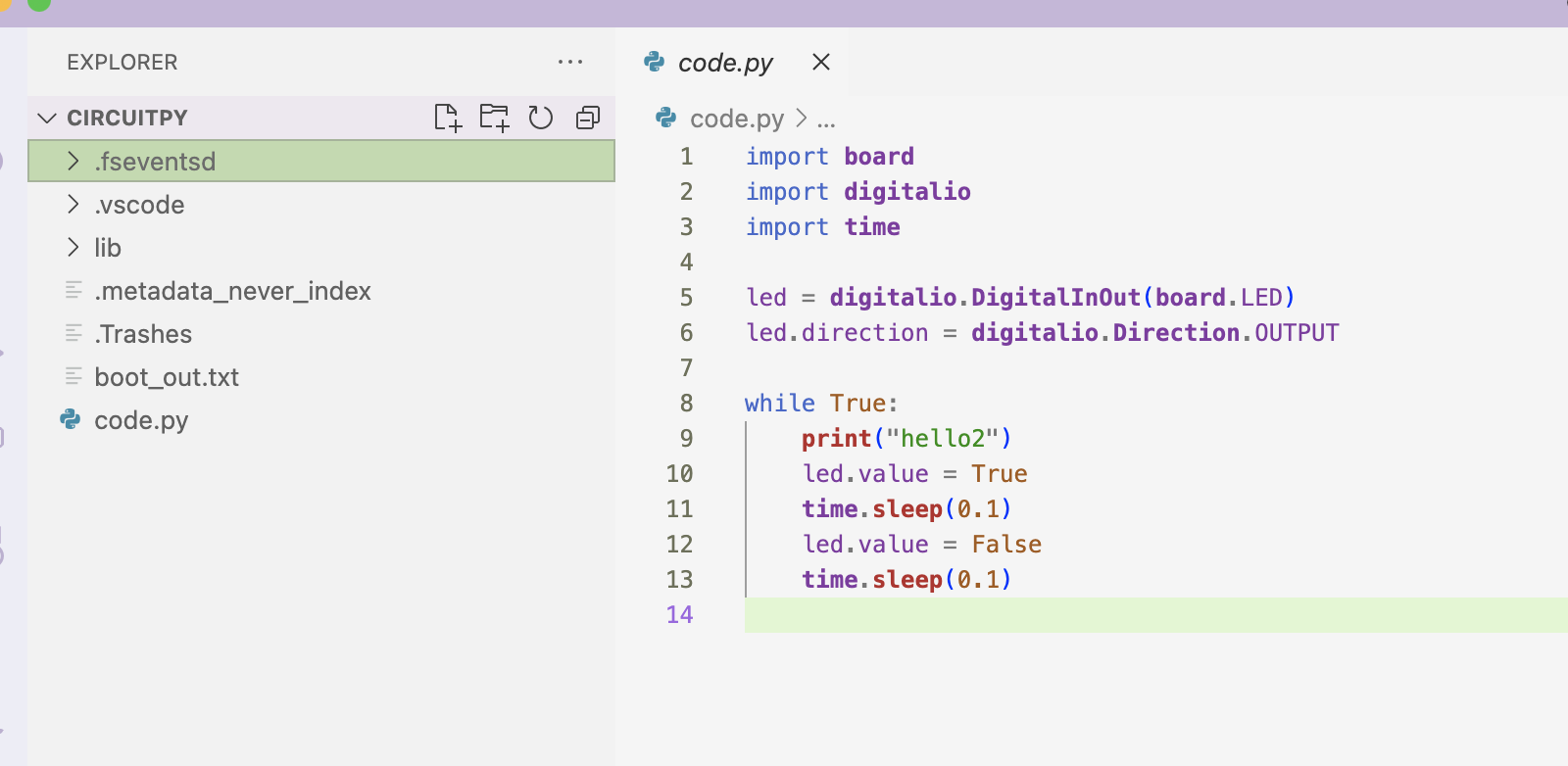
Opening the root directory of my circuitpython drive seems to do it for me. |
0 replies
Sign up for free
to join this conversation on GitHub.
Already have an account?
Sign in to comment


Uh oh!
There was an error while loading. Please reload this page.
The documentation for this extension says:
command run:
circuitpython.openSerialMonitor
circuitpython.selectSerialPort
circuitpython.closeSerialMonitor
Sorry maybe it's just me, but I have no idea where to "run" these commands... I've tried every conceivable place, including the "terminal"
-I have my Pi-Pico plugged in with code.py open in the vscode editor, libs, and others showing in the mapped drive
-Mu-editor works just fine.
-I have a "Circuit python serial monitor" in the right paign of the terminal, which does absolutely nothing.
-I can send commands to/from the Pico with a terminal emulator (Putty).
Another things. The documentation says something about the extension "activating" when I pull a file from the USB drive. WHen I loaded code.py, I saw no hint of this "activation"
I've tried several times to re-install the extension to no avail. An incredibly frustrating experience
All reactions