


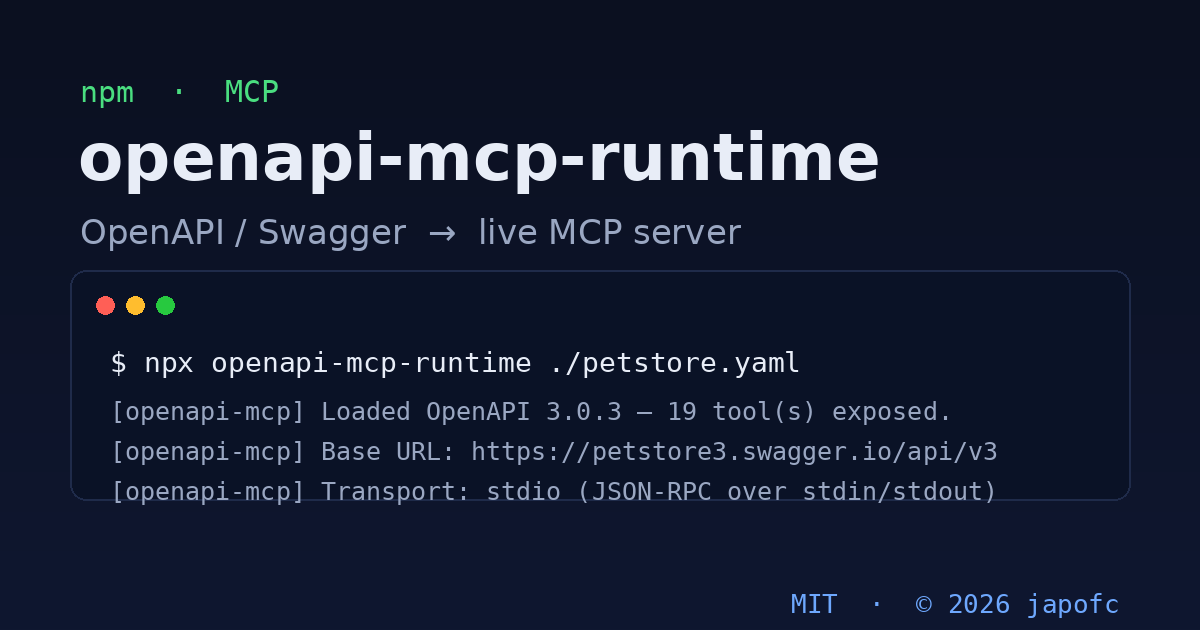
Turn any OpenAPI 3.0, 3.1 or Swagger 2.0 document into a live Model Context Protocol server. Every API operation becomes an agent-callable tool, with authentication, caching and typed arguments. No wrapper code, no code-generation step.
npx openapi-mcp-runtime ./petstore.yaml[openapi-mcp] Loaded OpenAPI 3.0.3 from ./petstore.yaml — 19 tool(s) exposed.
[openapi-mcp] Base URL: https://petstore3.swagger.io/api/v3
[openapi-mcp] Transport: stdio (JSON-RPC over stdin/stdout)
openapi-mcp-runtime is a runtime, not a generator. It loads a spec,
dereferences every $ref, and serves tools that proxy the live API.
- Reads OpenAPI 3.0.x, 3.1.x and Swagger 2.0 documents (JSON or YAML), from disk or a URL.
- Serves tools over stdio (Claude Desktop, Cursor, CLI agents), Streamable HTTP, or the legacy HTTP+SSE transport.
- Retries failed calls with exponential backoff (
--retries) and can hot-reload the spec when the file changes (--watch). - Optional namespacing of tool names (
--tool-prefix) when serving several APIs side by side. - Applies the spec's security:
apiKey(header/query/cookie), HTTPbearer, HTTPbasic, and OAuth2 client credentials. - Builds tool arguments from the spec's schemas, so agents get JSON Schema hints for path, query, header and body values.
- Optionally caches
GETresponses for a TTL. - Ships a CLI and a typed ESM library in one package.
openapi-mcp-runtime |
codegen-only converters | |
|---|---|---|
| OpenAPI 3.0 / 3.1 / Swagger 2.0 | yes | often 3.1 only |
| Runs directly, no build step | yes | no |
| apiKey / bearer / basic / OAuth2 | yes | varies |
| GET response caching | yes | rarely |
| stdio + Streamable HTTP | yes | usually stdio |
| Typed client / type generation | yes | yes |
npm install -g openapi-mcp-runtime   # global CLI
npm install openapi-mcp-runtime      # library / npx
Requires Node.js 18.17 or newer.
Serve a spec over stdio:
npx openapi-mcp-runtime ./petstore.yamlServe it over HTTP:
npx openapi-mcp-runtime ./petstore.yaml --transport http --port 8787
# MCP endpoint:  http://127.0.0.1:8787/mcp
# Health check:  http://127.0.0.1:8787/health
Use the legacy HTTP+SSE transport (still used by some older clients):
npx openapi-mcp-runtime ./petstore.yaml --transport sse --port 8787
# SSE stream:    http://127.0.0.1:8787/sse
# Messages:      http://127.0.0.1:8787/message
Inspect the tools that would be exposed:
npx openapi-mcp-runtime ./petstore.yaml --print-toolsA sample spec lives in examples/petstore.yaml.
Ready-made configurations and framework adapters are in
examples/integrations/:
| Target | File |
|---|---|
| Claude Desktop | claude-desktop.json |
| Cursor | cursor.json |
| Hono | hono.ts |
| Express | express.ts |
| Next.js (App Router) | nextjs-route.ts |
Claude Desktop — add to claude_desktop_config.json:
{
  "mcpServers": {
    "petstore": {
      "command": "npx",
      "args": ["-y", "openapi-mcp-runtime", "./examples/petstore.yaml"]
    }
  }
}
Cursor — add to .cursor/mcp.json:
{
  "mcpServers": {
    "petstore": {
      "command": "npx",
      "args": ["-y", "openapi-mcp-runtime", "./examples/petstore.yaml"]
    }
  }
}| Option | Description |
|---|---|
--transport <stdio|http|sse> |
Transport to serve (default stdio). sse is the legacy HTTP+SSE transport. |
--port <number> |
HTTP port (default 8787). |
--host <host> |
HTTP host (default 127.0.0.1; use 0.0.0.0 to expose). |
--server <url> |
Override the server URL from the spec. |
--header <NAME=VALUE> |
Extra header, repeatable. ${ENV_VAR} is expanded. |
--bearer <token> |
Bearer token for http bearer schemes. |
--basic <USER:PASS> |
Basic auth credentials. |
--api-key <NAME=VALUE> |
Value for an apiKey scheme, repeatable. |
--oauth2 <SCHEME=ID:SECRET> |
OAuth2 client credentials, repeatable. |
--scope <SCHEME=a,b> |
OAuth2 scopes, repeatable. |
--cache-ttl <seconds> |
Cache GET responses for N seconds (default 0). |
--timeout <ms> |
Request timeout in milliseconds (default 30000). |
--retries <n> |
Extra attempts for network failures and 5xx responses (default 0). |
--watch |
Reload automatically when a local spec file changes. |
--tool-prefix <prefix> |
Prefix every tool name, e.g. petstore_getPets. |
--print-tools |
Print generated tools as JSON and exit. |
--generate-types <file> |
Write TypeScript argument types to a file. |
--generate-client <file> |
Write a self-contained TypeScript client. |
--verbose |
Log more detail to stderr. |
-h, --help |
Show help. |
-V, --version |
Show version. |
Logs go to stderr; --print-tools writes JSON to stdout.
Credentials are matched to the spec's securitySchemes by name. Missing
credentials never abort the server — the request proceeds unauthenticated and
the API decides.
# apiKey scheme
npx openapi-mcp-runtime ./api.yaml --api-key apiKey=my-secret

# bearer
npx openapi-mcp-runtime ./api.yaml --bearer "$TOKEN"

# basic
npx openapi-mcp-runtime ./api.yaml --basic user:pass

# OAuth2 client credentials (tokenUrl comes from the spec)
npx openapi-mcp-runtime ./api.yaml --oauth2 myOAuth=client-id:client-secret --scope myOAuth=read,write

# static header, environment variable expanded at startup
npx openapi-mcp-runtime ./api.yaml --header "X-Tenant=$TENANT_ID"import {
createHandler,
createRuntime,
executeTool,
loadSpec,
startHttpServer,
} from "openapi-mcp-runtime";
const spec = await loadSpec("./petstore.yaml"); // file or URL, $refs resolved
const runtime = createRuntime(spec, { baseUrl: "https://api.example.com" });
const tool = runtime.tools.find((candidate) => candidate.name === "listPets");
const result = await executeTool(tool, { limit: 10 }, {
baseUrl: runtime.baseUrl,
auth: { bearer: process.env.TOKEN },
security: tool.security,
securitySchemes: runtime.securitySchemes,
cacheTtl: 60,
});
const handler = createHandler({ tools: runtime.tools, execute });
await startHttpServer(handler, { port: 8787 });npx openapi-mcp-runtime ./api.yaml --generate-types ./api-types.ts
npx openapi-mcp-runtime ./api.yaml --generate-client ./api-client.tsimport { callTool } from "./api-client.ts";
const pets = await callTool("listPets", { limit: 10 });loadSpec()parses the document and dereferences every$ref(internal, external file, remote).createRuntime()walkspaths; each operation becomes an MCP tool named after itsoperationId(or a generatedmethod_pathname), with a JSON Schema assembled from path, query, header and body definitions.createHandler()implements the MCP JSON-RPC surface:initialize,tools/list,tools/call,resources/list,prompts/list.startStdioServer()orstartHttpServer()exposes the handler to clients.
Operations can be hidden from MCP with x-mcp-exclude: true.
npm install
npm test        # build + run the test suite (node:test)
npm run build   # compile TypeScript to dist/
npm run dev     # watch mode
The test suite covers the spec parser, tool conversion, request building, authentication, caching, the MCP protocol, the HTTP transport and the CLI.
Issues and pull requests are welcome. Please open an issue before large changes
so the design can be discussed. Keep the test suite green: npm test.
MIT License — Copyright (c) 2026 japofc (author and maintainer).
The name japofc and the project branding are trademarks of japofc; the license covers the code only. See TRADEMARK.md.
Docs: https://japofc.github.io/openapi-mcp-runtime/ · Source: src/ · Tests: test/