A minimal, clean utility to manage, download, and directly insert popular CDN dependencies into your project.



Note
I BUILD THIS PLUGIN FOR MY PERSONAL USE AND EVERYONE IS ABLE TO USE THIS IF THEY WANT AND TRUST YOU ARE ABLE TO REVIEW AND BUILD YOUR OWN AHEAD ON THIS CODE.
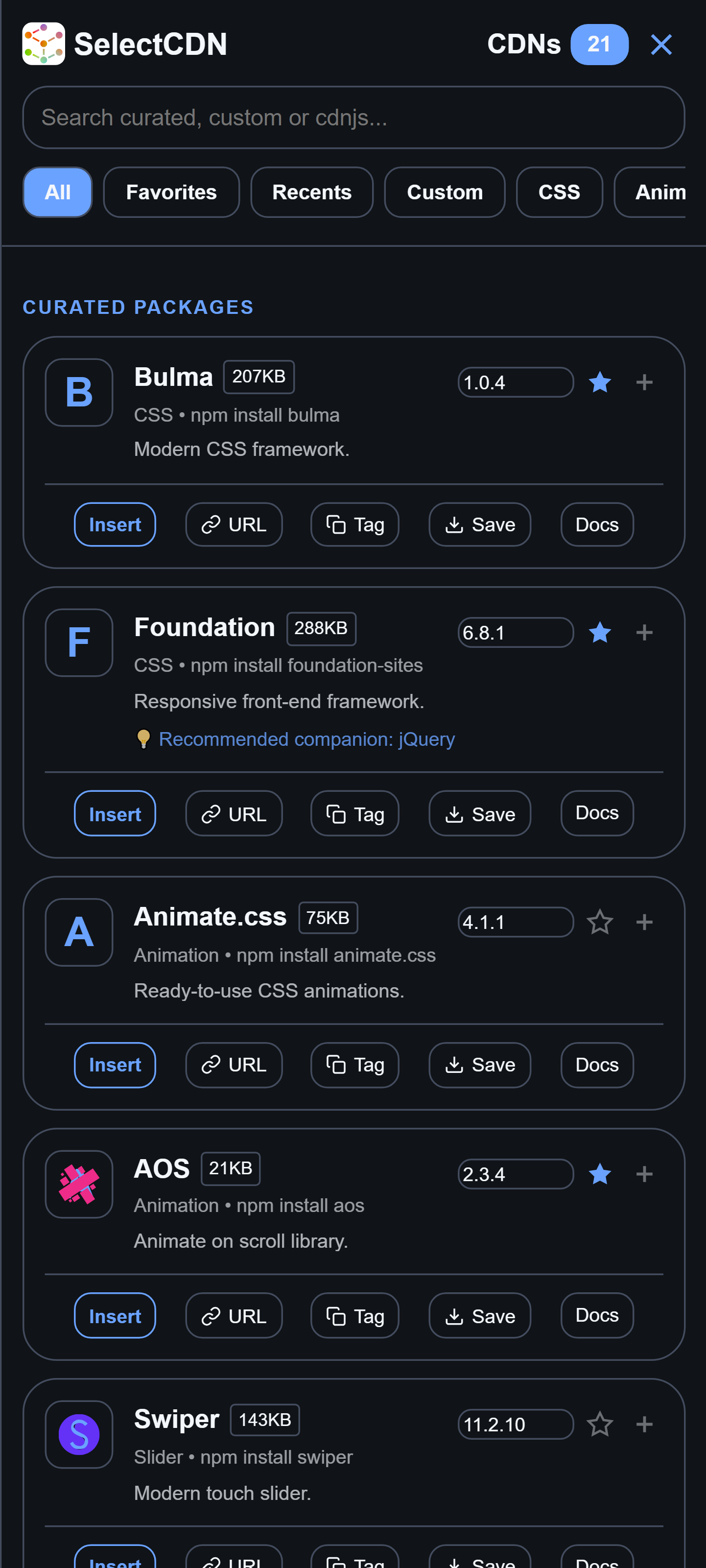
- Curated & Global search: Access a built-in library of popular CDNs or search millions of assets on-demand through direct integration with the
cdnjsAPI. - Smart Context Detection: Automatically detects your active file type (
.js,.css, etc.) to show matching packages and adjusts the inserted output into HTML tags, JSimportstatements, or CSS@importrules. - Local File Downloader: Download CDN files directly into your active project workspace folder using Acode's native file system interface for offline development.
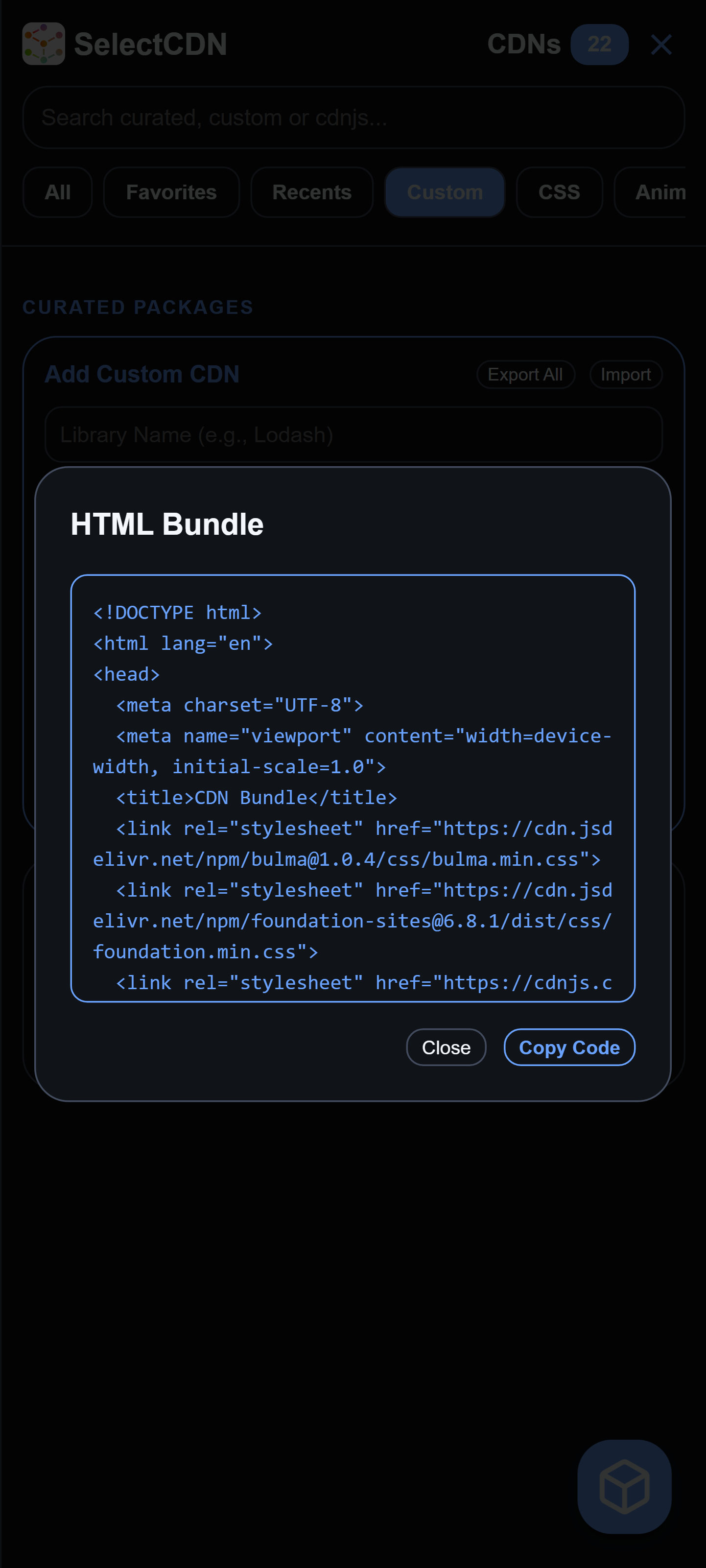
- HTML Bundle Generator: Select multiple libraries at once and compile them into a boilerplate HTML template format.
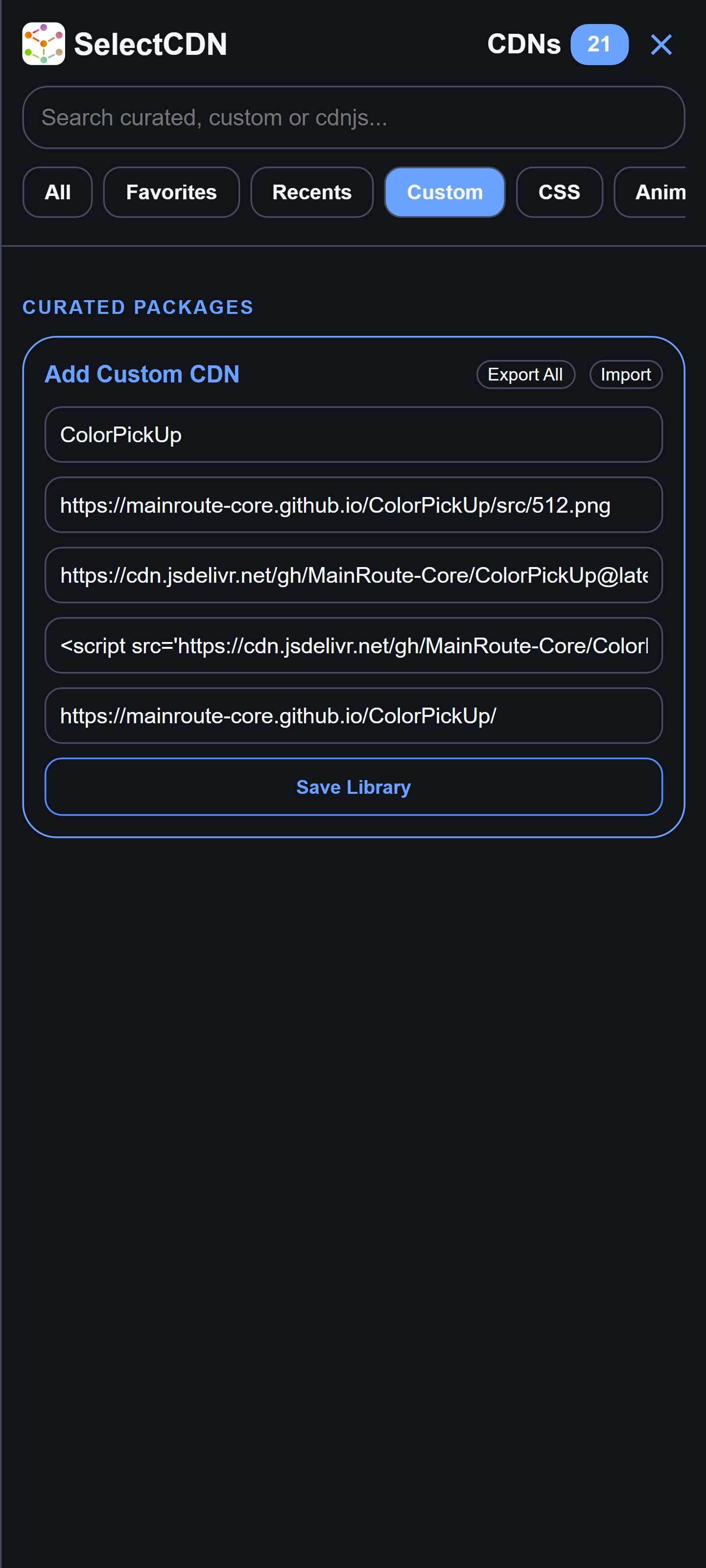
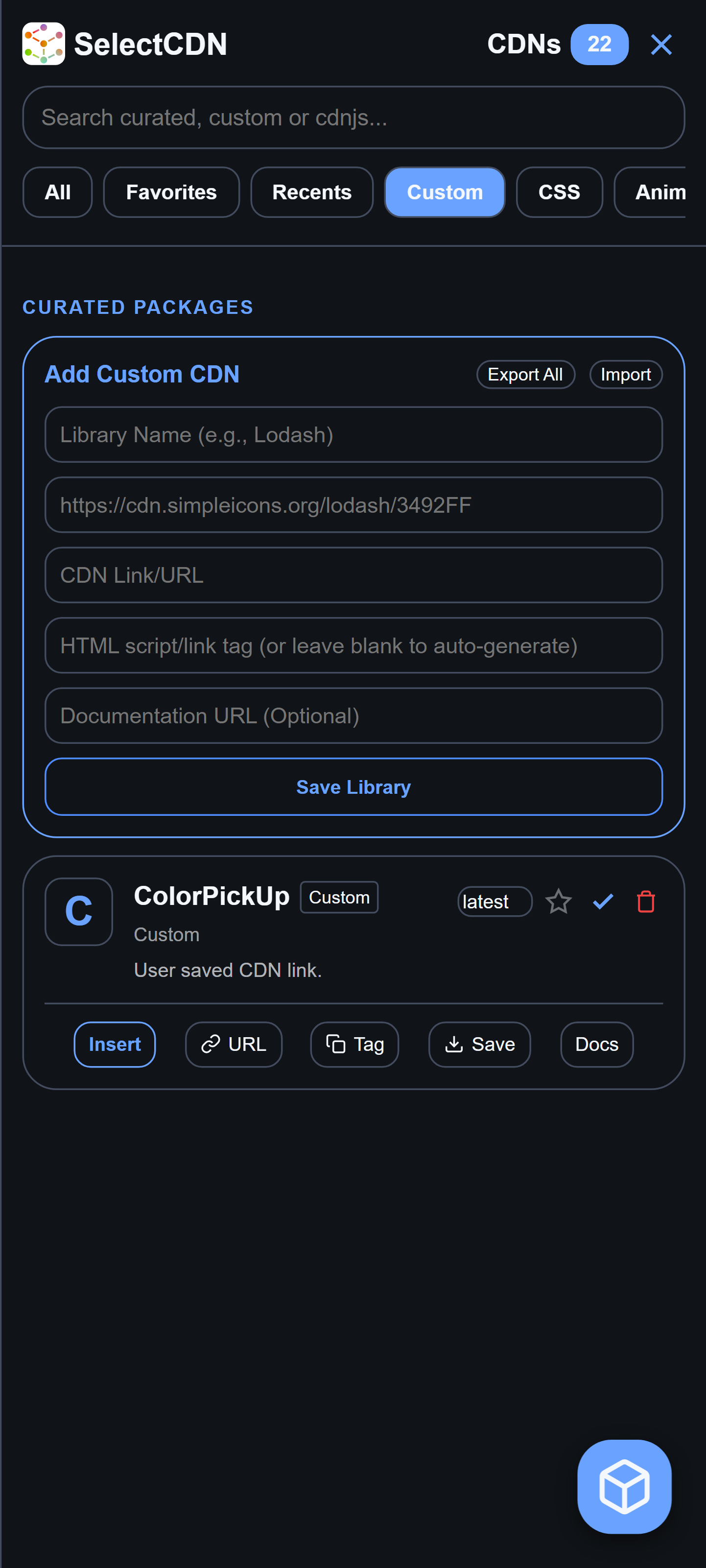
- Custom CDN Management: Add your own custom CDN configurations, with backup utilities to export or import your custom catalog as JSON.
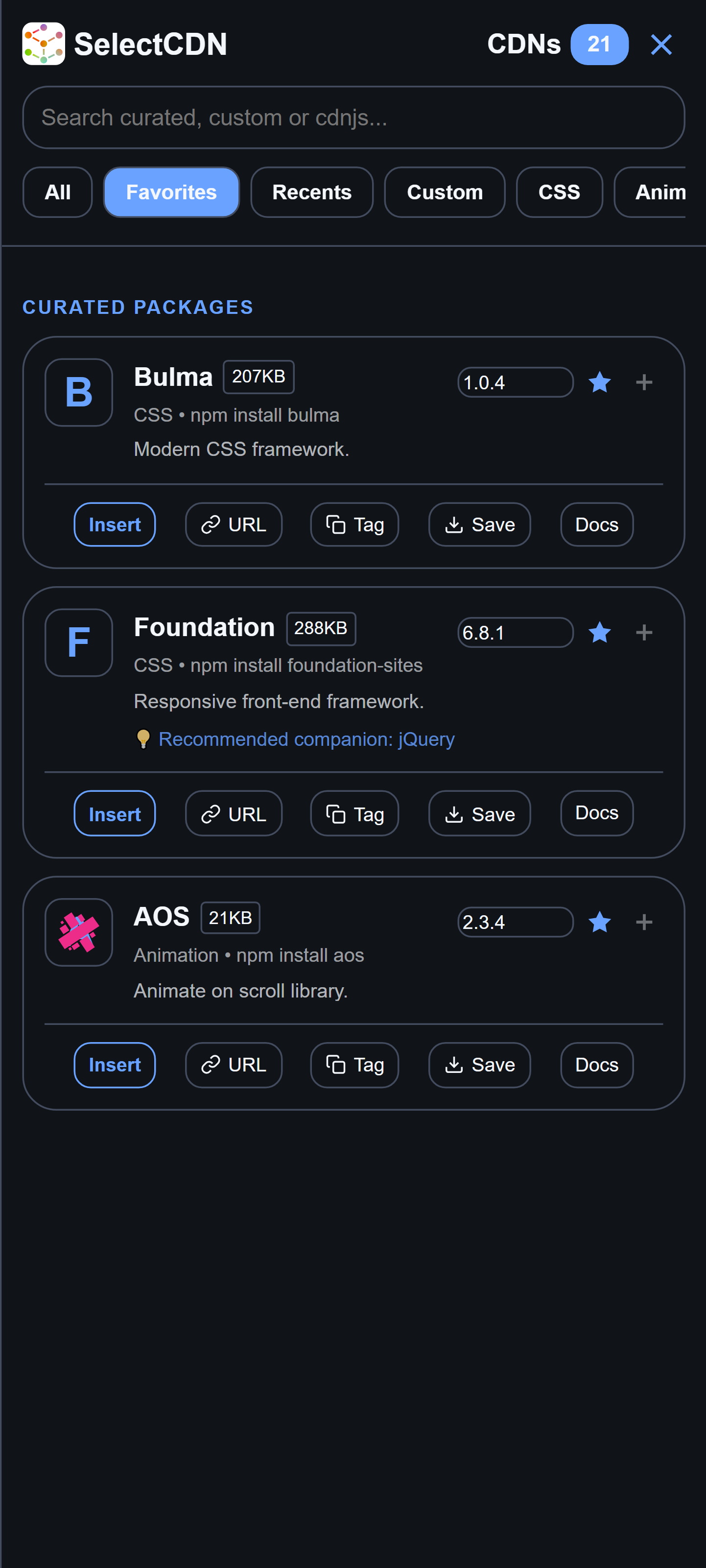
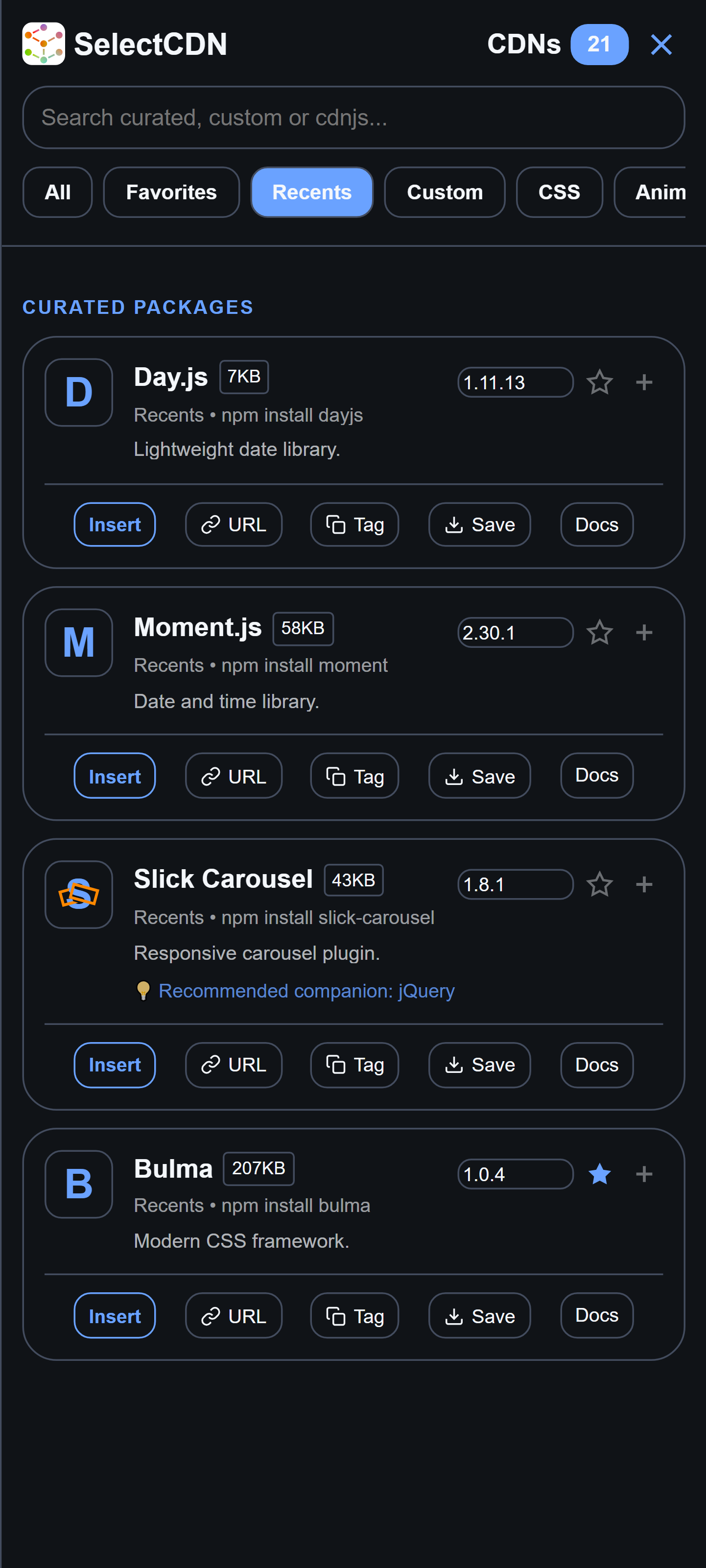
- Favorites & Recents: Quickly bookmark frequently used dependencies and view previously used assets.
Click Here to View
- Open Acode.
- Go to Settings > Plugins.
- Search for SelectCDN.
- Install the plugin and restart Acode if required.
While the plugin is pre-configured out of the box, it utilizes local storage to manage your personal setups:
- Favorites Catalog (
cdn_favs) – Automatically tracks assets you star for quick access. - Recents History (
cdn_recents) – Keeps a log of your last 10 used libraries. - Custom CDNs (
cdn_custom) – Stores custom entries. You can back up or migrate these using the Export All and Import buttons located in the "Custom" category panel.
- Open your workspace and ensure you have an active file open.
- Launch SelectCDN via the command palette (search for
SCDNorcdn-library) or pressCtrl+Shift+C(Cmd+Shift+Con macOS). - Filter or Search for your target library using category chips or the real-time search bar.
- Choose Your Action:
- Insert: Injects the dependency directly into the cursor position.
- URL / Tag: Copies either the raw link or the fully generated HTML element tag to your clipboard.
- Save: Fetches and downloads the script/stylesheet file directly to your local workspace directory, inserting a local relative path in your file.
- Docs: Opens the official documentation for the library in your browser.
- Generate Bundles: Click the "+" action button on multiple libraries, then tap the floating box icon on the bottom right to review and copy a complete HTML boiler-plate bundle containing all your selections.
If you encounter issues or have suggestions, please open an issue in the repository. Please include:
- Plugin version
- Acode version
- Android version (if applicable)
- Steps to reproduce
- Screenshots or console log output (if applicable)
Contributions to improve package curation, add translation keys, or optimize asset resolution are welcome.
- Fork the repository.
- Create a descriptive feature branch (
git checkout -b feature/improvement). - Make and test your changes.
- Submit a Pull Request outlining your updates.
- Acode Team – For the editor framework and API.
- cdnjs – For the global index search and version resolver API.
- Simple Icons – For providing clean, high-contrast CDN logos.
Licensed under the Apache 2.0 License.