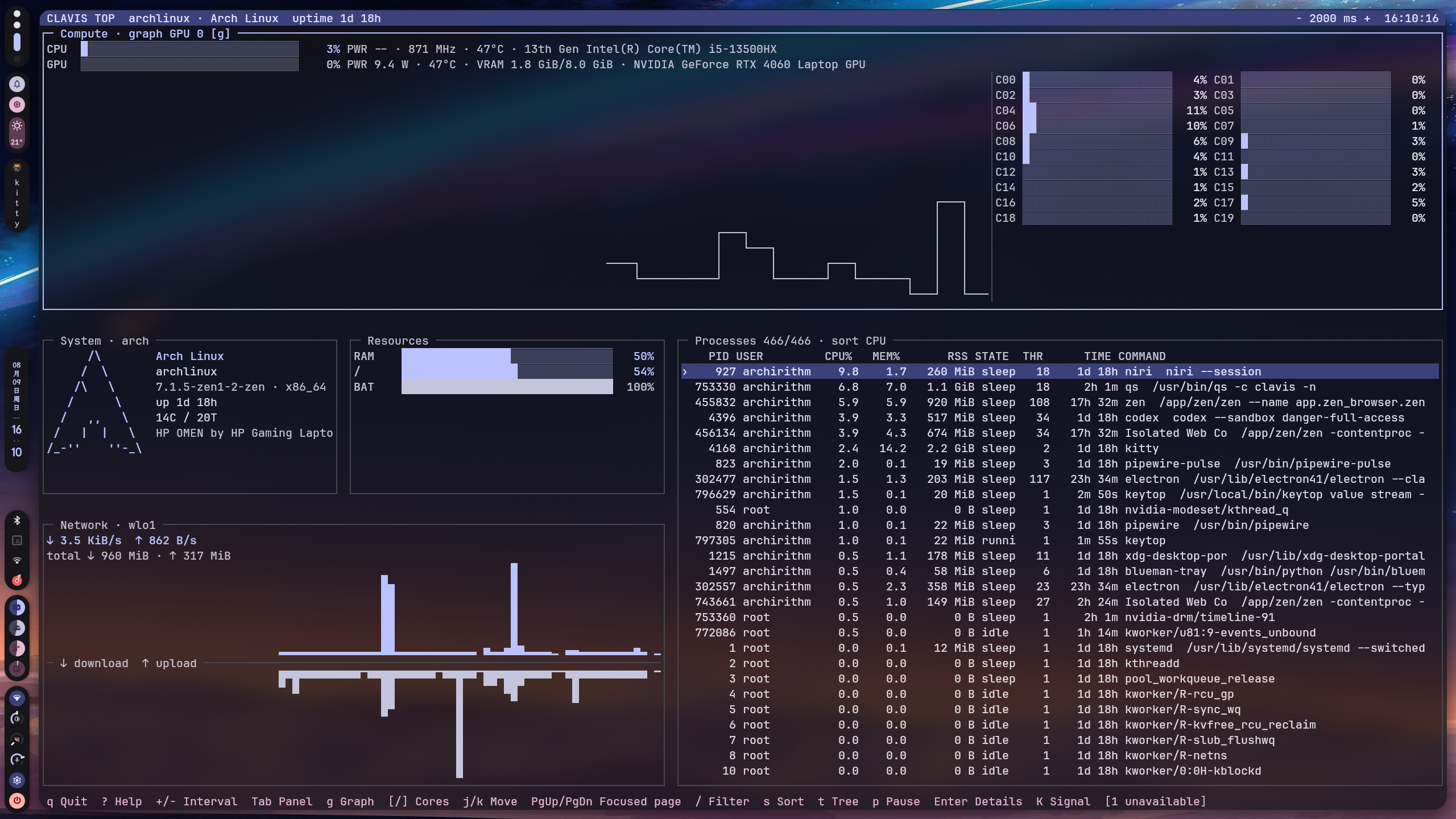
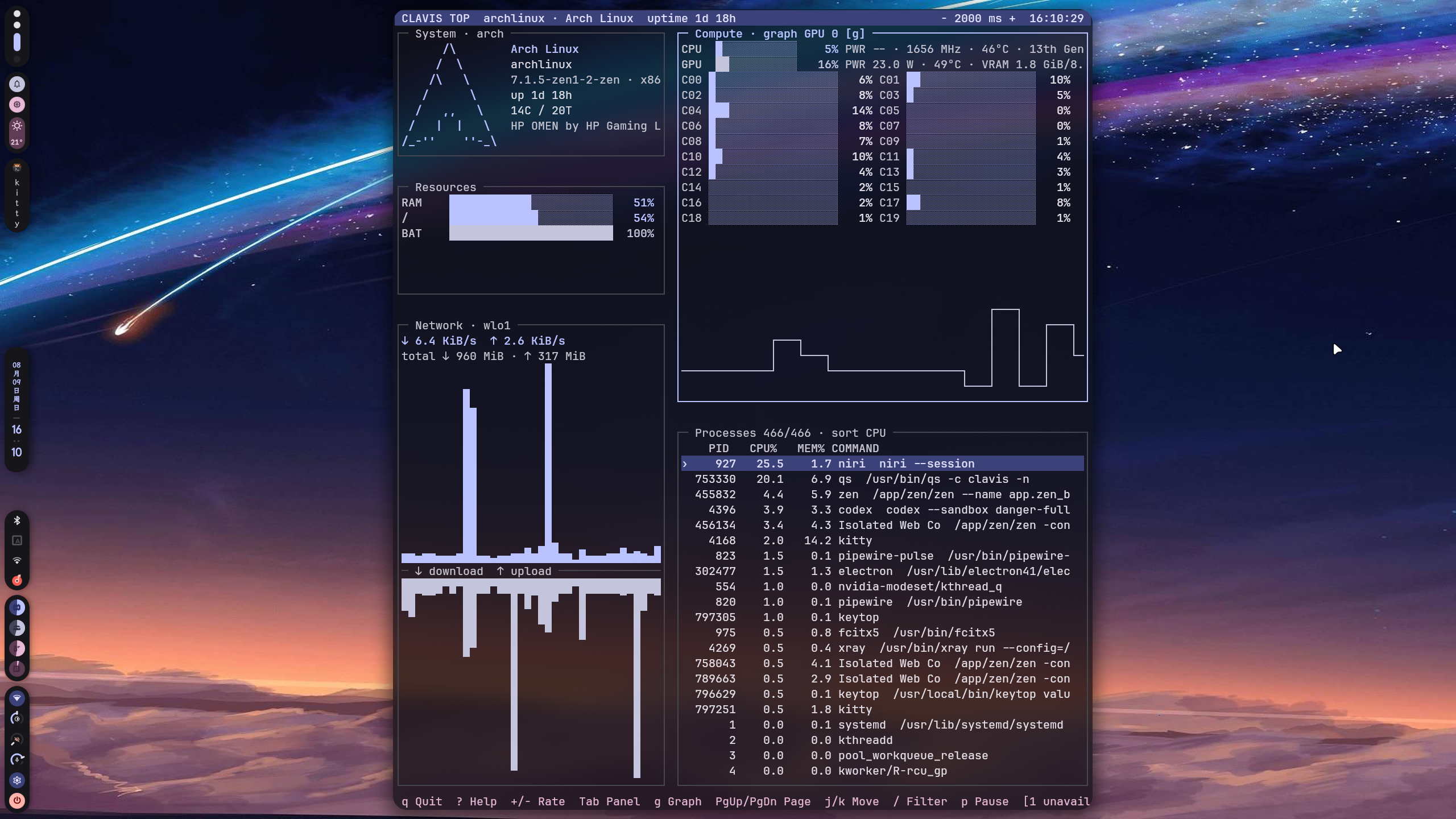
A standalone system monitor for Linux with an interactive terminal UI and machine-readable JSON/JSONL output.
keytop provides system metrics for both terminal users and Clavis Shell.
- CPU usage, frequency and load
- Memory and swap
- Network throughput
- Disk usage and I/O
- Process monitoring
- Temperatures
- GPU metrics
- Battery information
- Optional Intel RAPL power metrics
- Interactive ncurses TUI
- JSON and JSONL output for integrations
- Matugen-compatible colors
| Project | Role |
|---|---|
| Clavis Shell | Quickshell UI and desktop shell |
| key-cli | key command and discrete system tasks |
| keytop | System monitoring, TUI and machine-readable metrics |
keytop can be used completely on its own.
GPU telemetry uses optional in-process providers: NVIDIA NVML is loaded dynamically, AMD uses kernel sysfs metrics, and Intel supports DRM fdinfo fallback for i915 and xe. No vendor SDK or vendor command-line utility is required to build keytop; missing runtime libraries only disable the corresponding optional provider.
Launch the interactive monitor:
keytopMachine-readable output:
keytop value snapshot --format json
keytop value stream --format jsonl --interval 1000
keytop value cpu --format json
keytop value memory --format json
keytop value processes --format json
The shorter aliases are also available:
keytop snapshot
keytop stream --format jsonl
keytop cpu
keytop processes
Reload colors in a running TUI:
keytop reloadSee the machine-output schema in docs/protocol.md.
Requirements:
- CMake
- C++17 compiler
- Qt 6 Core
- pkg-config
- ncursesw
The build directory is tied to the CMake generator used to create it. The
commands below use Ninja; if build/ was previously configured with another
generator, use a fresh build directory or remove the old generated build
directory before configuring it again.
cmake -S . -B build \
  -G Ninja \
  -DCMAKE_BUILD_TYPE=Release \
  -DBUILD_TESTING=ON

cmake --build build
ctest --test-dir build --output-on-failure
Developer quality checks:
make format
make format-check
make test
make check
make check runs the C++ format check, compiler build, CTest, ShellCheck and
git diff --check. It does not install system files or change user configuration.
Install to a user-local prefix without changing system files:
cmake --install build --prefix "$HOME/.local"Make sure $HOME/.local/bin is in PATH. To install to the configured
system-wide prefix instead:
sudo cmake --install buildConfiguration is stored in:
${XDG_CONFIG_HOME:-$HOME/.config}/keytop/
Main files:
config.conf    General settings
colors.conf    Active color scheme
matugen.conf   Matugen template
Example:
[general]
update_interval_ms=1000
temperature_unit=celsius
Command-line options such as --interval override the configuration file.
The Linux collector caches static CPU frequency policies, network interface identity, power-supply topology, disk identity, and process metadata. Dynamic counters and capacity remain sampled at the requested interval, while topology changes and PID reuse invalidate the corresponding cache entries.
When the optional RAPL helper is installed, keytop can expose CPU package power data to regular users through the packaged systemd socket.
Enable it with:
sudo systemctl enable --now keytop-rapl.socketSystems without RAPL support continue to expose the remaining metrics normally.
matugen.conf can be used to generate colors.conf from a Material color scheme. Clavis can manage this integration automatically from its settings center.
See LICENSE.