
Hikari (光) — a universal streaming app. One player, every ecosystem:
- Stremio addons — add any addon URL, browse catalogs, search, play.
- Universal scrapers — JSON-rule site scrapers, no code needed.
- CloudStream .cs3 plugins — Stage 2 ✅ — your existing
.cs3extensions run unchanged. - SkyStream extensions — Stage 3.
- Vega providers — the Vega scraper ecosystem, run in-app (see
docs/VEGA.md).
Modern Material 3 UI, HLS/DASH playback with per-source headers and subtitles, built in pure Kotlin + Compose.
Need help, found a bug, or want to request a feature? Join the Hikari Telegram group — the fastest way to reach me and get support:
- Telegram: https://t.me/CodegeasseHikari
- Telegram channel: https://t.me/DiscussionHikari
- Discord: https://discord.gg/FR3FZ6wgF
- Reddit: https://www.reddit.com/r/HikariApp/
Everyone is welcome — post your questions, bug reports, and feature requests there and I'll help you out.
Hikari records its own logs on the device, so a report can carry the real error text instead of a photo of the screen:
- Open Settings → Logs & diagnostics.
- Tap Share all (or Share on the one file you were asked for) and send it along with your message.
Two rolling app logs and one crash log are kept. A crash log holds the full stack trace plus the last 300 log lines before the crash, which is usually enough to identify the cause without reproducing it. Nothing is uploaded until you tap Share or Save, and there is a Clear all logs button on the same page.
| Home | Search | Add sources |
|---|---|---|
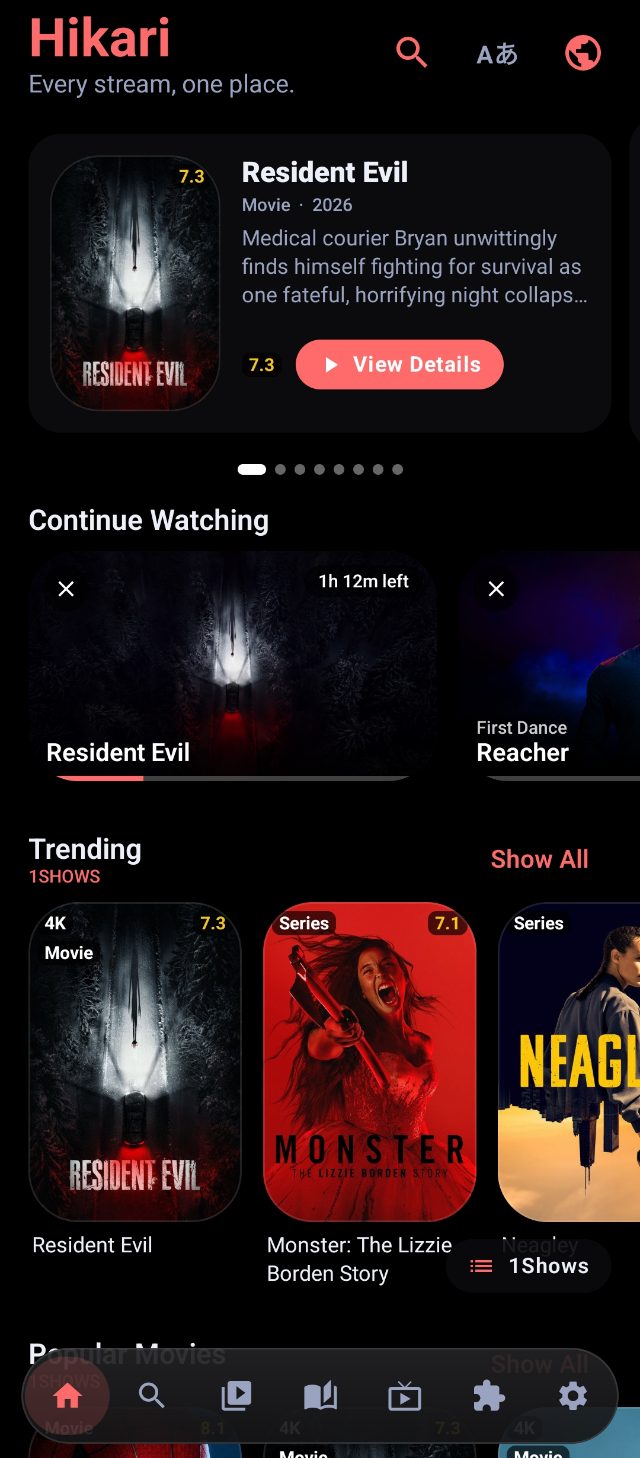 |
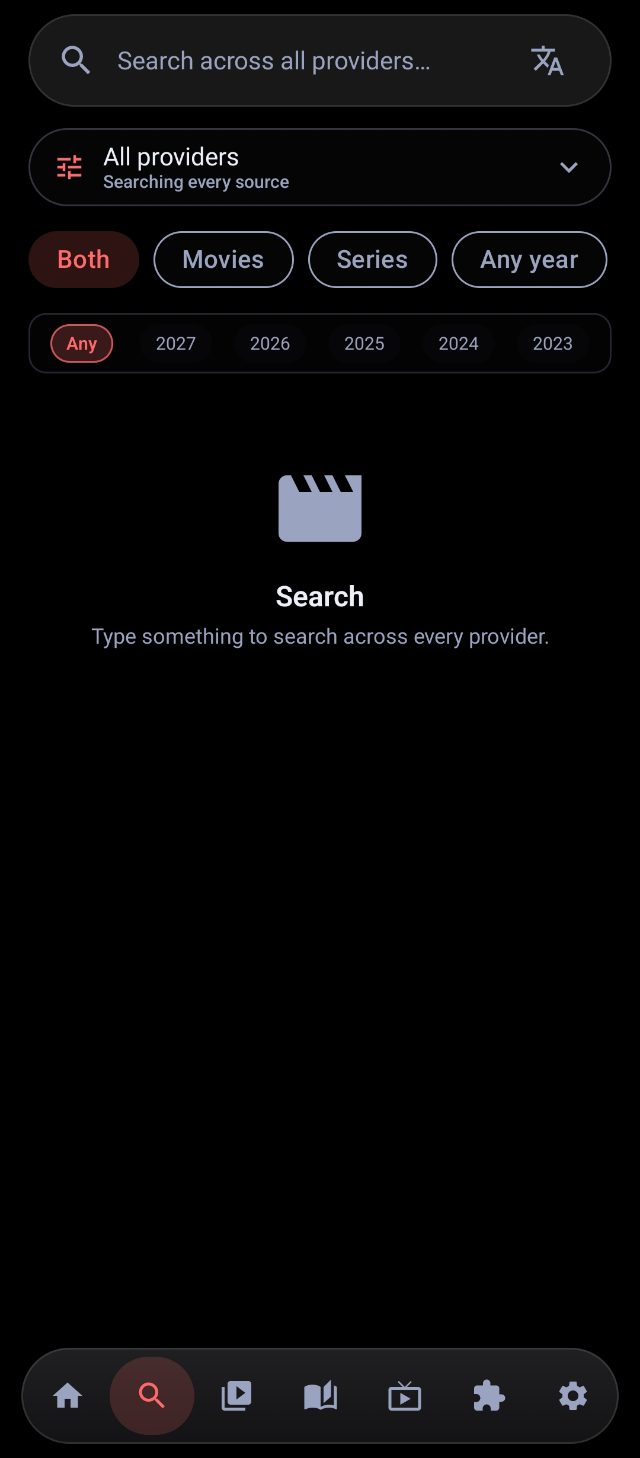 |
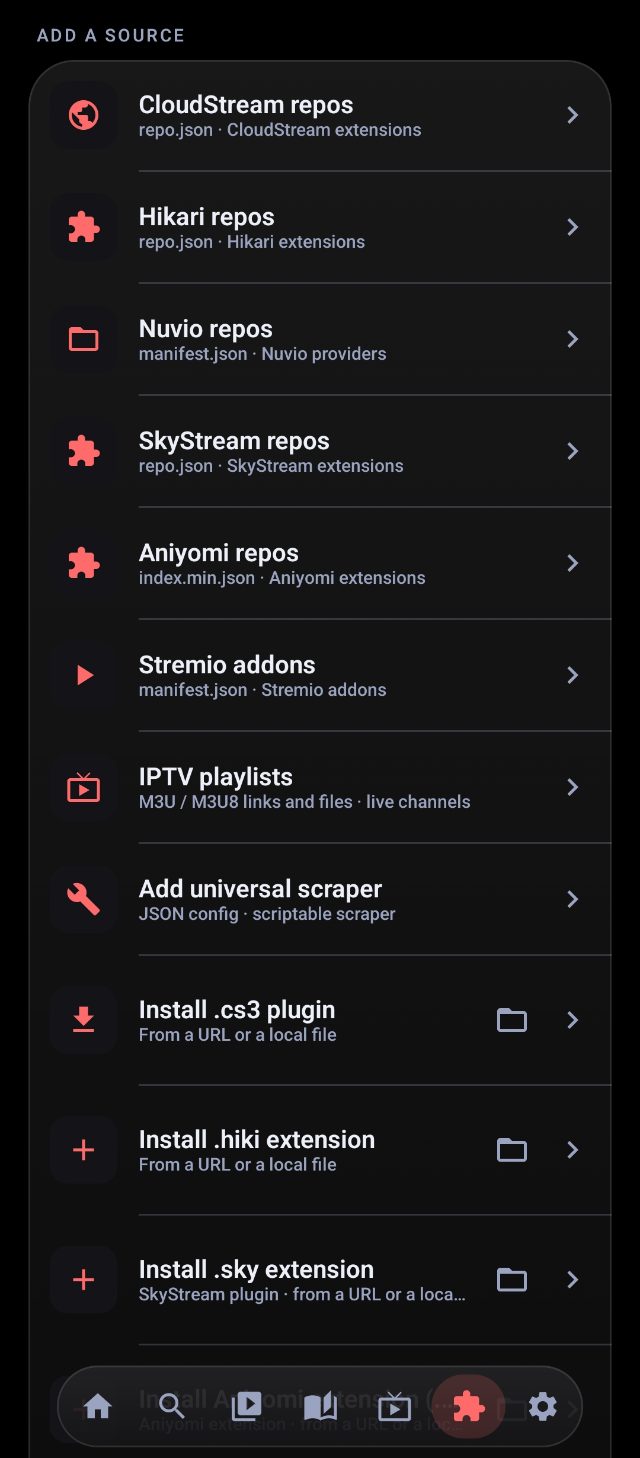 |
| Manga | IPTV | Settings |
|---|---|---|
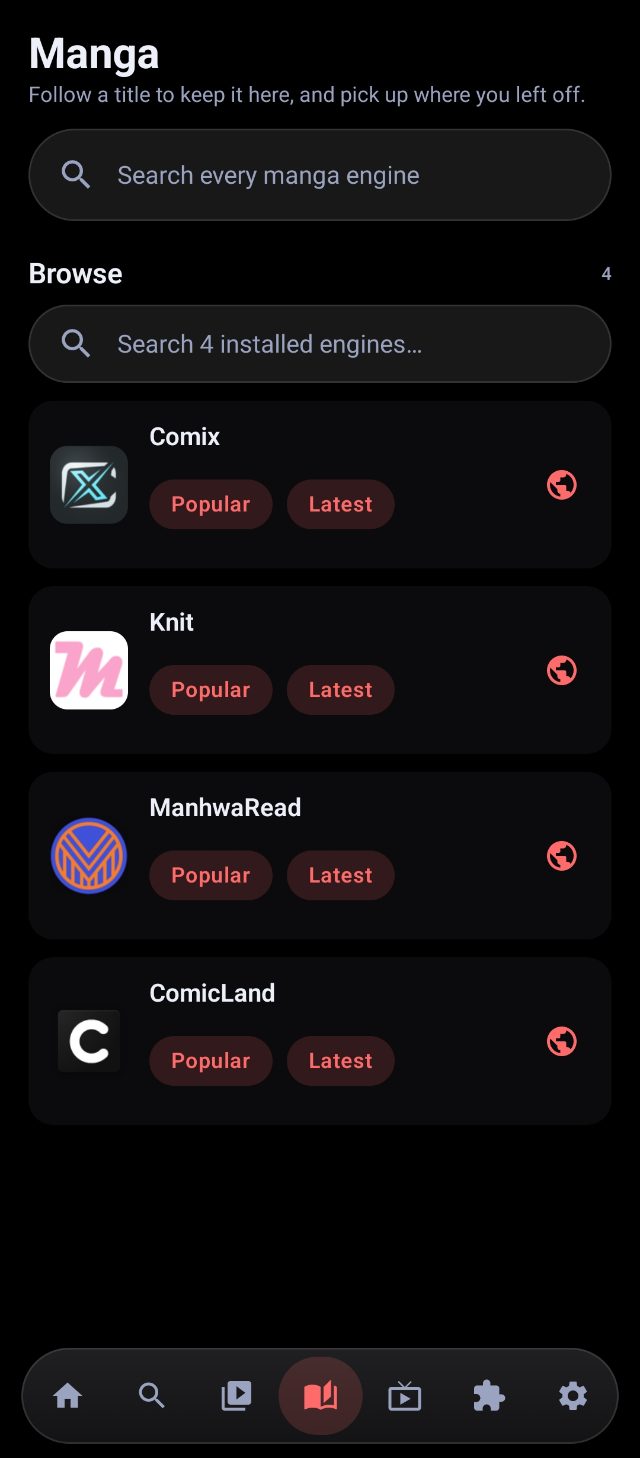 |
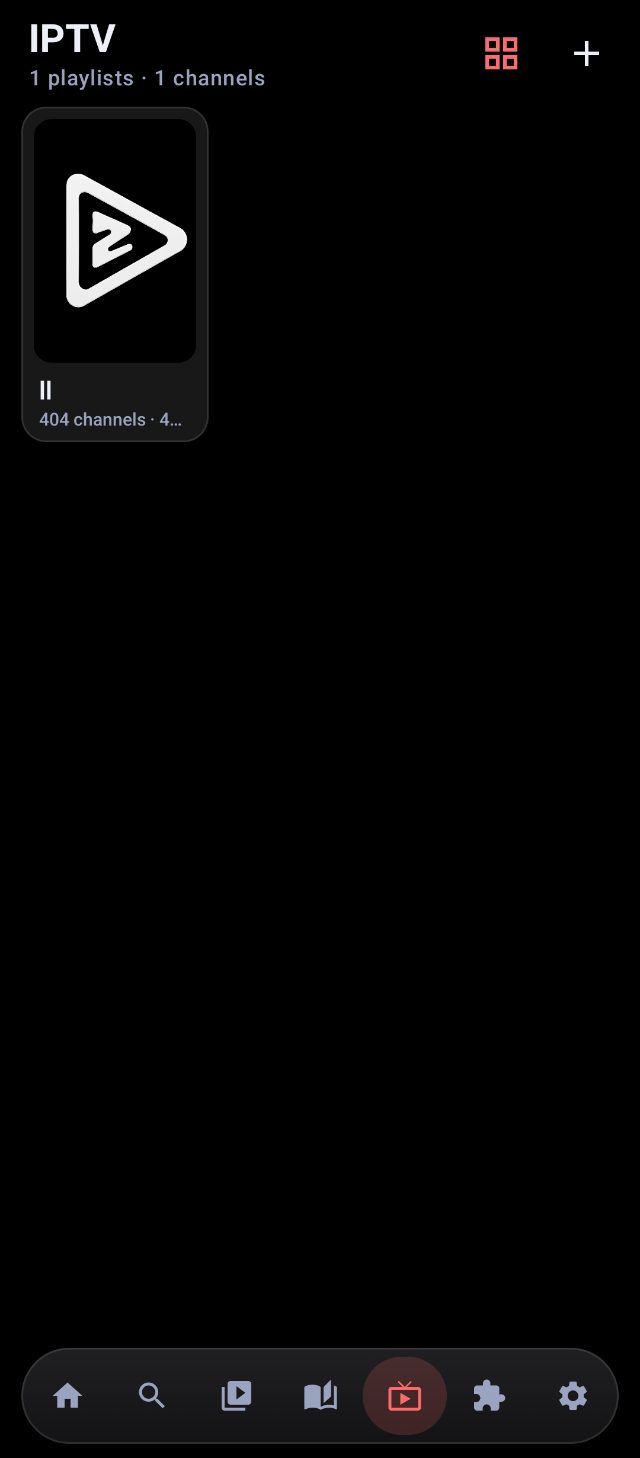 |
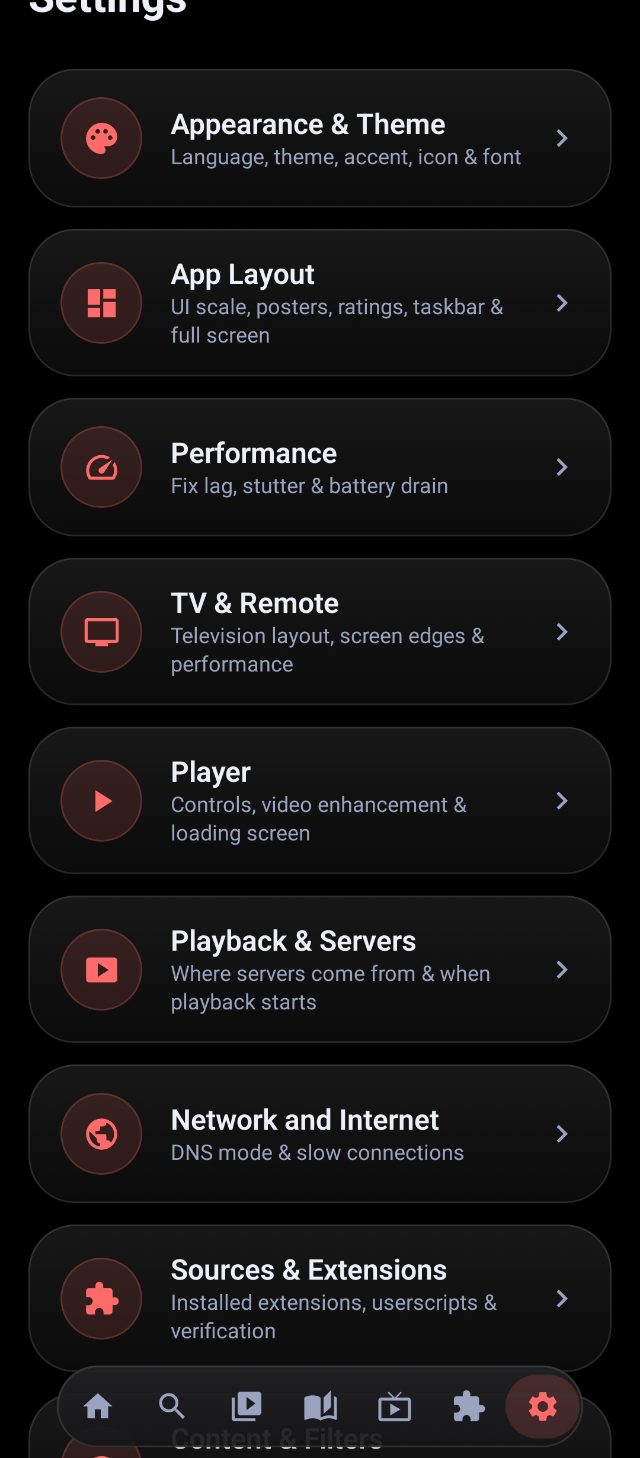 |
The latest signed APK is on the latest release page:
- Latest release: https://github.com/codegeasse1/hikari/releases/latest
Download it on the phone and open it (allow "install unknown apps").
The quickest way to load sources is to add our two official extension repos. Each is a single URL that installs a whole collection of extensions.
Hikari extensions repo (native .hiki extensions)
https://raw.githubusercontent.com/codegeasse1/hikari-extensions/builds/repo.json
That URL is a repo.json listing every official extension (trimmed here):
{
  "name": "Hikari Extensions",
  "description": "Official .hiki extensions for Hikari.",
  "plugins": [
    { "name": "Anime4i",  "url": "https://github.com/codegeasse1/hikari-extensions/releases/download/continuous/anime4i.hiki",  "version": 2, "tvTypes": ["series", "movie"] },
    { "name": "Anime",     "url": "https://github.com/codegeasse1/hikari-extensions/releases/download/continuous/anime.hiki",      "version": 1, "tvTypes": ["movie", "tv"] },
    { "name": "Castle TV", "url": "https://github.com/codegeasse1/hikari-extensions/releases/download/continuous/castle.hiki",   "version": 3, "tvTypes": ["movie", "tv"] },
    { "name": "Anikoto",   "url": "https://github.com/codegeasse1/hikari-extensions/releases/download/continuous/anikoto.hiki", "version": 3, "tvTypes": ["movie", "tv"] }
  ]
}
Codegeasse CloudStream repo (.cs3 plugins)
https://raw.githubusercontent.com/codegeasse1/codegeasse-cloudstream-repos/builds/repo.json
Its repo.json points at the plugin list:
{"name": "Codegeasse Repo", "description": "Anime4i CloudStream extensions", "manifestVersion": 1, "pluginLists": ["https://raw.githubusercontent.com/codegeasse1/codegeasse-cloudstream-repos/builds/plugins.json"]}-
Open Hikari and go to the Extensions tab (puzzle-piece icon at the bottom).
-
Tap Add Hikari repo (the top-left button with the puzzle-piece icon).
-
Paste this URL and tap Add:
https://raw.githubusercontent.com/codegeasse1/hikari-extensions/builds/repo.json -
Tap the Hikari Extensions card that appears, then tap Install next to any extension you want (Anime4i, Anime, Castle TV, …).
-
Open Hikari → Extensions tab.
-
Tap Add CloudStream repo (the top-left + button).
-
Paste this URL and tap Add:
https://raw.githubusercontent.com/codegeasse1/codegeasse-cloudstream-repos/builds/repo.json -
Tap the Codegeasse Repo card, then Install the providers you want (Anime4i, Anikoto, Anineko, …).
You can even paste a plain
github.com/owner/repolink instead of the full raw URL — Hikari automatically finds the correctrepo.json. Installed providers appear in Home and Search right away.
Stremio addon: Extensions → Add Stremio addon → paste the addon URL (it must serve manifest.json).
Universal scraper: Extensions → Add scraper → paste a JSON config. Two modes — HTML mode for classic sites with server-rendered pages, and JSON-API mode for single-page apps that only serve data through a JSON API.
{
  "name": "MySite",
  "baseUrl": "https://example.com",
  "homeUrl": "/",
  "catalogs": [ { "id": "home", "name": "Home", "type": "movie" } ],
  "search": {
    "url": "/search?q={query}&page={page}",
    "item": ".result-item",
    "title": ".title",
    "href": "a@href",
    "poster": "img@src"
  },
  "detail": {
    "title": "h1",
    "poster": ".poster img@src",
    "overview": ".desc",
    "type": "series"
  },
  "episodes": {
    "url": "{href}",
    "item": ".episode",
    "number": "data-ep",
    "href": "a@href"
  },
  "streams": {
    "video": "video@src",
    "m3u8": "source[type*=m3u8]@src",
    "iframe": "iframe@src"
  }
}
Rules use CSS selectors; element@attr means read an attribute instead of text. {query}, {page}, {href} are substituted at runtime. Streams can be direct video/m3u8 or hidden inside an iframe (followed recursively).
Many modern streaming sites (JustAnime, etc.) are React/Vue single-page apps: their pages return an empty <div id="root">, so there is no HTML to scrape. Everything comes from a JSON API. For those, add an "api" block — the scraper talks to the API instead of parsing HTML. It sends the configured headers on every call (many APIs reject requests without the right Origin/Referer/User-Agent), and can route through the site's own proxy when the API is Cloudflare-gated.
{
  "name": "JustAnime",
  "baseUrl": "https://justanime.to",
  "api": {
    "base": "https://core.justanime.to/api",
    "proxy": "https://neko.justanime.to/m3u8-proxy",
    "headers": {
      "User-Agent": "Mozilla/5.0 (Windows NT 10.0; Win64; x64) AppleWebKit/537.36 (KHTML, like Gecko) Chrome/126.0.0.0 Safari/537.36",
      "Accept": "application/json, text/plain, */*",
      "Referer": "https://justanime.to/",
      "Origin": "https://justanime.to"
    },
    "catalogs": [
      { "id": "trending", "name": "Trending", "type": "series" },
      { "id": "popular", "name": "Popular", "type": "series" },
      { "id": "latestEpisode", "name": "Latest Episodes", "type": "series" },
      { "id": "airing", "name": "Airing Now", "type": "series" },
      { "id": "upcoming", "name": "Upcoming", "type": "series" },
      { "id": "favourite", "name": "Favourites", "type": "series" }
    ],
    "homePath": "/home",
    "searchPath": "/search",
    "searchResults": "results",
    "detailPath": "/anime/{id}",
    "detailData": "data",
    "episodesPath": "/anime/{id}/episodes",
    "episodesPageParam": "page",
    "episodesItems": "episodes",
    "episodesHasNext": "hasNextPage",
    "episodesMaxPages": 30,
    "episodeNumber": "number",
    "episodeName": "title",
    "streamsPath": "/watch/{id}/episode/{ep}/anineko/{lang}/hd1",
    "streamsLangs": "sub,dub",
    "streamsSources": "sources",
    "streamsUrl": "url",
    "streamsQuality": "quality",
    "streamsIsM3u8": "isM3U8",
    "streamsSubtitles": "subtitles",
    "streamsSubUrl": "url",
    "streamsSubLang": "lang",
    "streamsHeaders": "headers",
    "proxyStreams": true
  }
}
This is a working config — paste it into Add scraper and JustAnime appears in Home/Search.
| field | default | meaning |
|---|---|---|
base |
— (required) | API root URL, e.g. https://core.justanime.to/api. |
proxy |
— | Optional URL that fetches the API on the site's behalf. The scraper tries base directly first, then falls back to proxy?url=…&headers=… (twice). Also used to wrap stream URLs when proxyStreams is on. |
headers |
— | HTTP headers sent with every API call — include Origin, Referer, User-Agent, Accept. |
catalogs |
— | Array of { id, name, type } (type: movie or series) shown as Home rows. |
homePath |
/home |
Endpoint that returns each home section as a keyed array; the catalog id is used as the array key. |
searchPath |
/search |
Search endpoint. |
searchResults |
results |
Response key holding the results array. |
searchQueryParam / searchPageParam |
query / page |
Query and page parameter names. |
detailPath |
/anime/{id} |
Detail endpoint ({id} = the item's numeric/string id). |
detailData |
— | Optional wrapper key the detail object sits under (e.g. data). |
episodesPath |
/anime/{id}/episodes |
Paginated episode endpoint. |
episodesPageParam |
page |
Page parameter name. |
episodesItems |
episodes |
Response key holding the episode array. |
episodesHasNext |
hasNextPage |
Boolean key that says "there's another page". |
episodesMaxPages |
30 |
Maximum pages to walk before giving up. |
episodeNumber / episodeName |
number / title |
Episode fields for the number and name. |
streamsPath |
/watch/{id}/episode/{ep}/anineko/{lang}/hd1 |
Watch endpoint; placeholders {id}, {ep}, {lang}. |
streamsLangs |
sub,dub |
Comma-separated language keys to try (each becomes a watch request). |
streamsSources |
sources |
Response key holding the sources array. |
streamsUrl / streamsQuality / streamsIsM3u8 |
url / quality / isM3U8 |
Fields on each source object. |
streamsSubtitles |
subtitles |
Response key holding subtitles. |
streamsSubUrl / streamsSubLang |
url / lang |
Subtitle fields. |
streamsHeaders |
headers |
Key of an object of per-stream headers (e.g. Referer/Origin) the player must send to the CDN. |
proxyStreams |
true |
Also emit each stream wrapped through proxy — for CDNs that only serve the site's own player. |
- List items carry
id,title(either a string or{ "english": …, "romaji": … }), and a poster found fromcover→coverImage.extraLarge→bannerImage(first hit wins). - Detail responses use
format(ortype):MOVIE→ movie, anything else → series.description,genres,seasonYear/yearandbannerImageare picked up automatically. - Episode ids are built as
{animeId}|{episodeNumber}— used to fetch streams. - Streams get the per-source
headersattached (plusUser-Agent), so hotlink-protected CDNs still play. Subtitles ride along on every source.
CloudStream .cs3 plugins (repos): Extensions → Add plugin repo → paste a CloudStream-style repo.json URL, e.g.:
https://raw.githubusercontent.com/codegeasse1/codegeasse-cloudstream-repos/builds/repo.json
Hikari fetches the repo's pluginLists, shows every plugin (icon, description, author, version, checksum-verified install), and each gets a one-tap Install / Uninstall. Your saved repos persist across restarts.
You can also install a single .cs3 directly: Extensions → Install .cs3 from URL (or Pick .cs3 file), e.g.:
https://github.com/codegeasse1/codegeasse-cloudstream-repos/raw/builds/JustAnimeProvider.cs3
The plugin's providers appear in Home/Search and play like any other source. One .cs3 can register several providers (each gets its own card, toggle and delete). The plugin files are stored in the app's private filesDir/cs3/, so they survive app restarts.
Vega providers: Extensions → Vega repos → the official repo (Zenda-Cross/vega-providers) is already there; open it, then tap Install next to a provider (AniKoto, 4KHDHub, Showbox, …). Adding another Vega repo means pasting its manifest.json URL (or the short name vega) into Add repository. Vega providers are scrapers written as CommonJS modules, and Hikari runs them in an embedded engine — details in docs/VEGA.md.
- Stage 1 (done): app core, Material 3 UI, Stremio addons, universal scrapers, Media3 player with headers + subtitles.
- Stage 2 (done): CloudStream
.cs3plugin loader (native cloudstream3 API compatibility layer: MainAPI, models, factories, nicehttpapp, M3u8Helper, loadExtractor, WebViewResolver, CloudflareKiller). - Stage 3 (in progress): ✅ downloads (offline + export), ✅ favourites / continue-watching, ✅ new UI everywhere, ✅ customisable player controls / video-enhance presets / accent theming. Still to come: SkyStream shims, torrent engine (Stremio infoHash streams), Trakt.
Every release's notes live in CHANGELOG.md and on the
releases page.
# CI builds the debug + signed release APKs on every push to main, and can be
# run manually from the Actions tab for any branch (see .github/workflows/build.yml)
# locally:
gradle assembleDebug