
ti.variableblur exposes UIKit-backed progressive and uniform background blur
views to Titanium on iOS. It adapts the MIT-licensed
nikstar/VariableBlur implementation
without embedding SwiftUI.
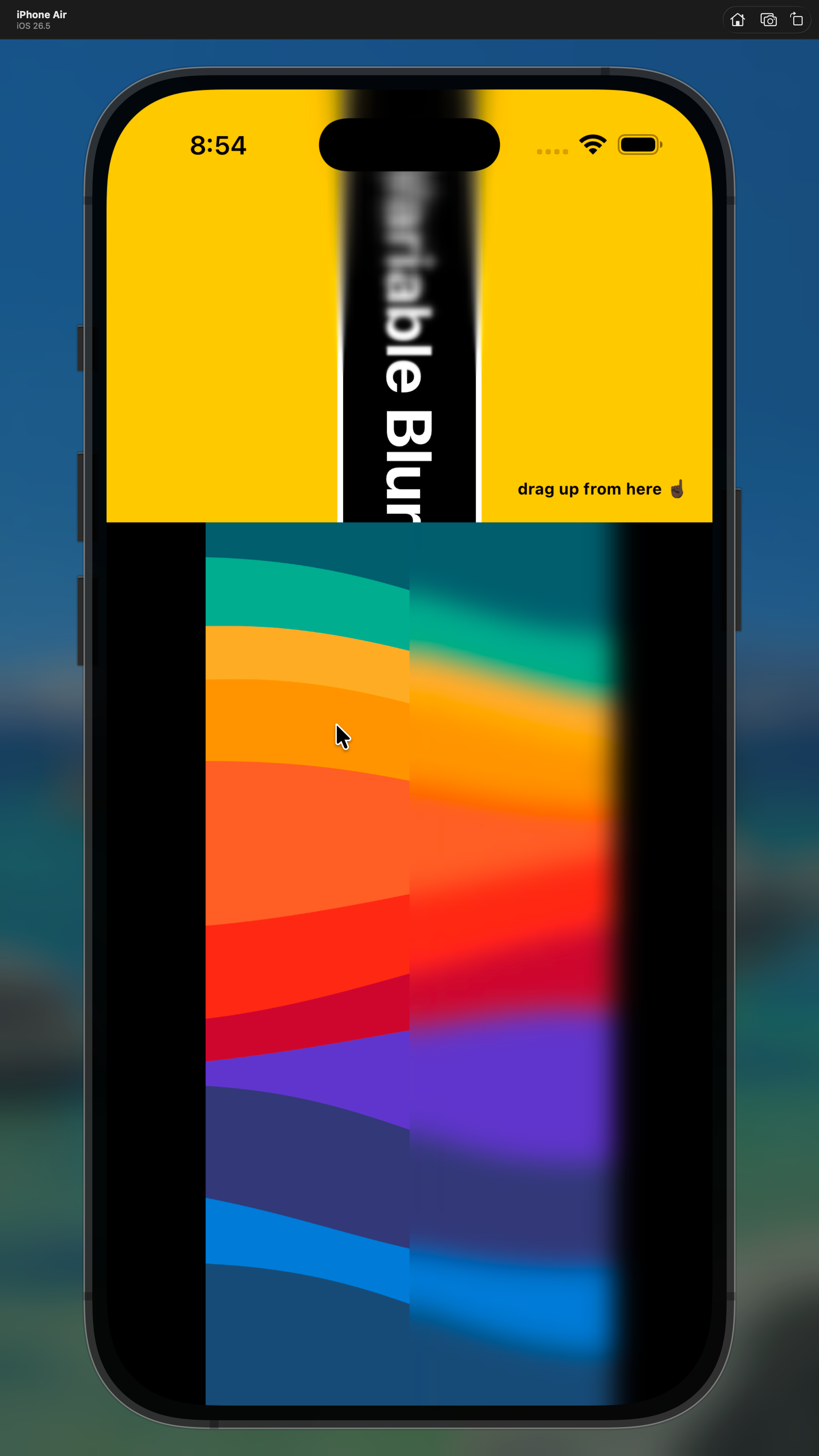
The upstream implementation uses the private CAFilter variable-blur filter
and internal UIVisualEffectView backdrop-layer behavior. The class and
selector names are resolved dynamically, as in the upstream project, but that
does not make them public API. Apple may change the behavior or reject an app
that uses it. Test every supported iOS release and complete App Store review
before depending on this module in production.
cd ios
ti build -d . -p ios --build-only
Requirements:
- Titanium SDK
13.3.1or newer. - iOS 17 or newer.
- Xcode with Swift 5 support.
Build the module, install the generated zip, then add this to your app's
tiapp.xml:
<module platform="iphone" version="1.0.0">ti.variableblur</module>const VariableBlur = require('ti.variableblur');
const blur = VariableBlur.createView({
top: 0,
left: 0,
right: 0,
height: 220,
touchEnabled: false,
maxBlurRadius: 20,
direction: 'blurredTopClearBottom',
startOffset: -0.1
});
win.add(blur);Supported properties:
maxBlurRadius: maximum blur radius in points. Defaults to20; negative values are clamped to0.direction:blurredTopClearBottom(default) orblurredBottomClearTop.startOffset: gradient start coefficient. Defaults to0; a small negative value such as-0.1can soften the clear edge.
All properties can be updated after creation.
const backgroundBlur = VariableBlur.createBackgroundBlur({
	width: 240,
	height: 120,
	touchEnabled: false,
	radius: 20
});

win.add(backgroundBlur);
radius defaults to 20, is clamped to 0 or greater, and can be updated
after creation.
Blur views are overlays: add the content to blur first, then add the blur view above it. The native implementations do not accept child views and disable interaction so touches continue to the content beneath them.
MIT. See LICENSE for the upstream notice and attribution.