
Hand-drawn marks, numbered notes, and arrows on screenshots, written in Markdown. A Comark plugin that renders static HTML.
pnpm add comark @comark/html comark-annotateimport { createHtmlRenderer } from "@comark/html";
import annotate, { components } from "comark-annotate/html";
const render = createHtmlRenderer({ plugins: [annotate()], components });::compare
:::screenshot{src="before.png" alt="Filter toolbar wrapping" viewport="900x360"}
::::annotation{x=3.6 y=20.6 w=92.9 h=31.4 color="red"}
Five filters don't fit, so the toolbar wraps onto a second row.
::::
:::
:::screenshot{src="after.png" alt="Filter toolbar on one row" viewport="900x360"}
::::annotation{x=87.6 y=24.2 w=7.4 h=9.9 mark="check" color="green"}
**Apply** lines up with the chips.
::::
:::
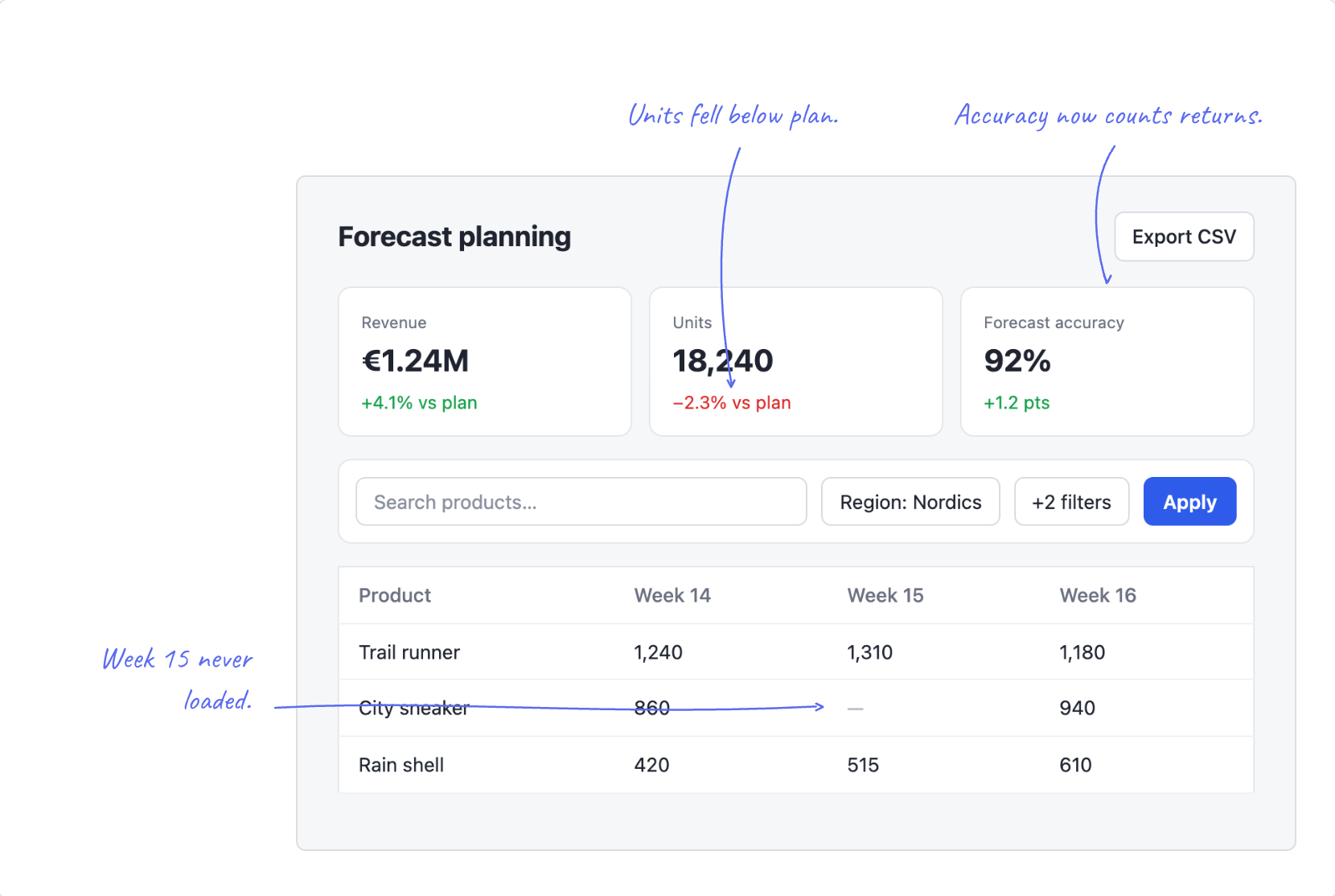
::Coordinates are percentages of the image. Props can be inline, in a YAML props block, or bound with :x. Marks: box, circle, underline, highlight, cross, check. Colors: blue (default), red, amber, green, gray, or any hex. Add side="left", side="right", or side="top" to put a note beside or above the image with a hand-drawn arrow, and mark="none" to let the arrow do the pointing. Set --ca-note-font for handwritten notes; the docs use Caveat. The plugin lists every problem in meta.annotateIssues, so a host can reject a document before publishing it.
The output is static HTML with one inlined <style> per document and style attributes for positions, so a strict CSP needs style-src 'unsafe-inline'. Notes are ordinary Markdown, so raw HTML in them renders like anywhere else in the document; for untrusted input, add Comark's security plugin, which also cleans notes. Override colors with a plain rule such as .ca { --ca-color: #0070f3; --ca-ink: #fff }.
An agent skill ships in the package (skills/comark-annotate/SKILL.md) and is served at the docs site, so npx skills add https://comark-annotate.onmax.me installs it. The CLI checks and previews documents:
npx comark-annotate check report.md                 # one line per problem, exit 1 if any
npx comark-annotate render report.md -o report.html # standalone page to screenshotpnpm install
pnpm ready # format, lint, typecheck, build, test, doctor
pnpm docs:build # render docs/index.md into docs/distcomark-annotate is MIT licensed. The hand-drawn marks come from AnnotationKit, and Comark by the Comark team does the parsing and rendering.