Repository navigation
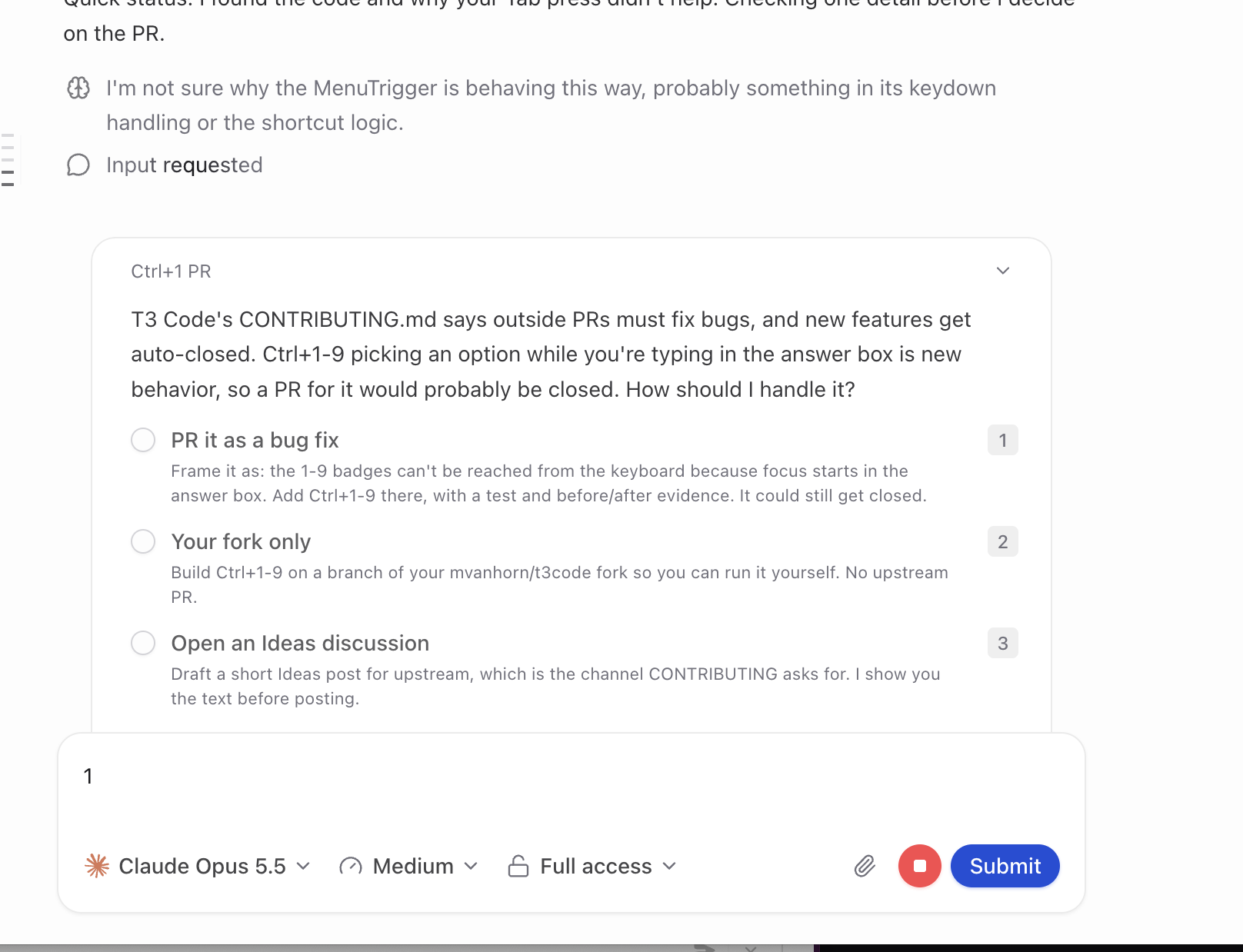
[Bug]: Question option number badges can't be used from the keyboard; pressing 1 types into the answer box #37354
Description

Before submitting
- I searched existing issues and did not find a duplicate.
- I included enough detail to reproduce or investigate the problem.
Area
apps/web
Steps to reproduce
- Have an agent ask a question with options (Claude
AskUserQuestion). Each option shows a number badge: 1, 2, 3. - Don't click anything. Focus is in the composer ("Type your own answer, or leave this blank to use the selected option").
- Press
1. Then tryOption+1(Control+1on macOS). - Or press Tab first, then
1.
Expected behavior
From the answer box, Option+1 (Alt+1; Control+1 also works on macOS) selects the option with badge 1. A bare 1 keeps typing into the answer box, because a typed answer can start with a number and the box is where focus lands.
Updated to match the fix in #37353. As first filed, this said a bare 1 should select the option.
Actual behavior
At step 3, "1" is typed into the composer and no option is selected. At step 4, Tab moves focus to the model picker trigger, which the digit shortcut also ignores, so 1 does nothing. Option+1 and Control+1 select nothing either: the digit listener ignores any key pressed with Alt or Ctrl. With the focus the panel opens in, no keyboard input selects an option. You have to click.
The digit listener in ComposerPendingUserInputPanel.tsx returns early for contenteditable targets and [role="combobox"], which covers both of these focus states.
Impact
Minor bug or occasional failure
Version or commit
T3 Code (Beta) desktop 0.1.3. Also present on main at the time of filing.
Environment
macOS 27.2, desktop app
Logs or stack traces
None. This is UI behavior, with no errors.
Fix proposed in #37353.
Activity