

Tapo camera viewer for Windows: live view, SD card recordings, downloads, and pan and tilt.
Previously named Tapo-Viewer (old address redirects here).







TapFeed (previously named Tapo-Viewer) is a free, open-source Windows app for TP-Link Tapo security cameras. It shows the live video, lists the recordings on the camera's microSD card by day, downloads them to your PC, and turns pan and tilt cameras. It talks to the camera directly on your home network, with no cloud subscription.
- Get
TapFeed.exefrom Releases. Versions up to 1.1.3 are namedTapo-Viewer.exe. - Double-click it. Nothing to install.
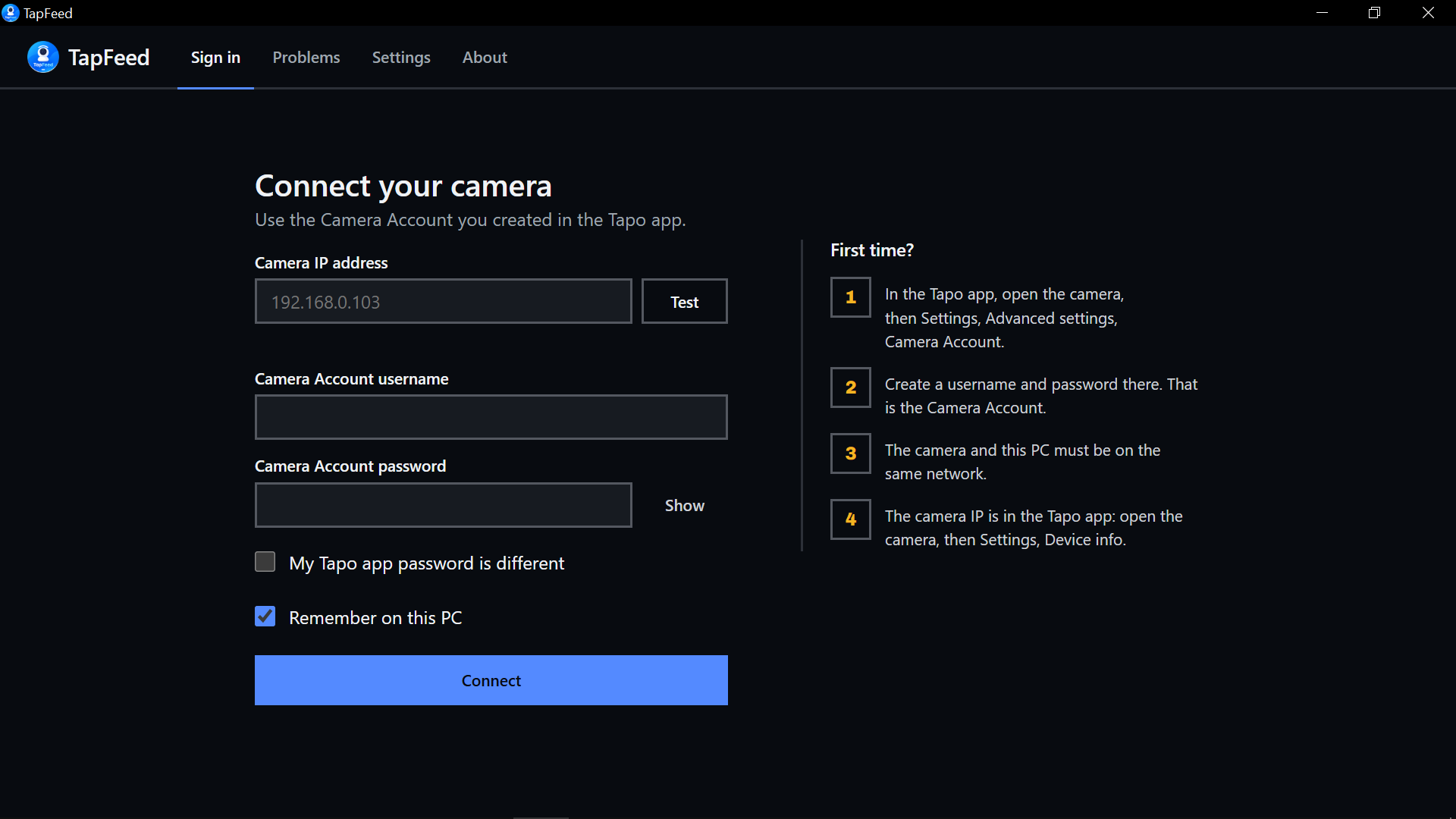
Sign in
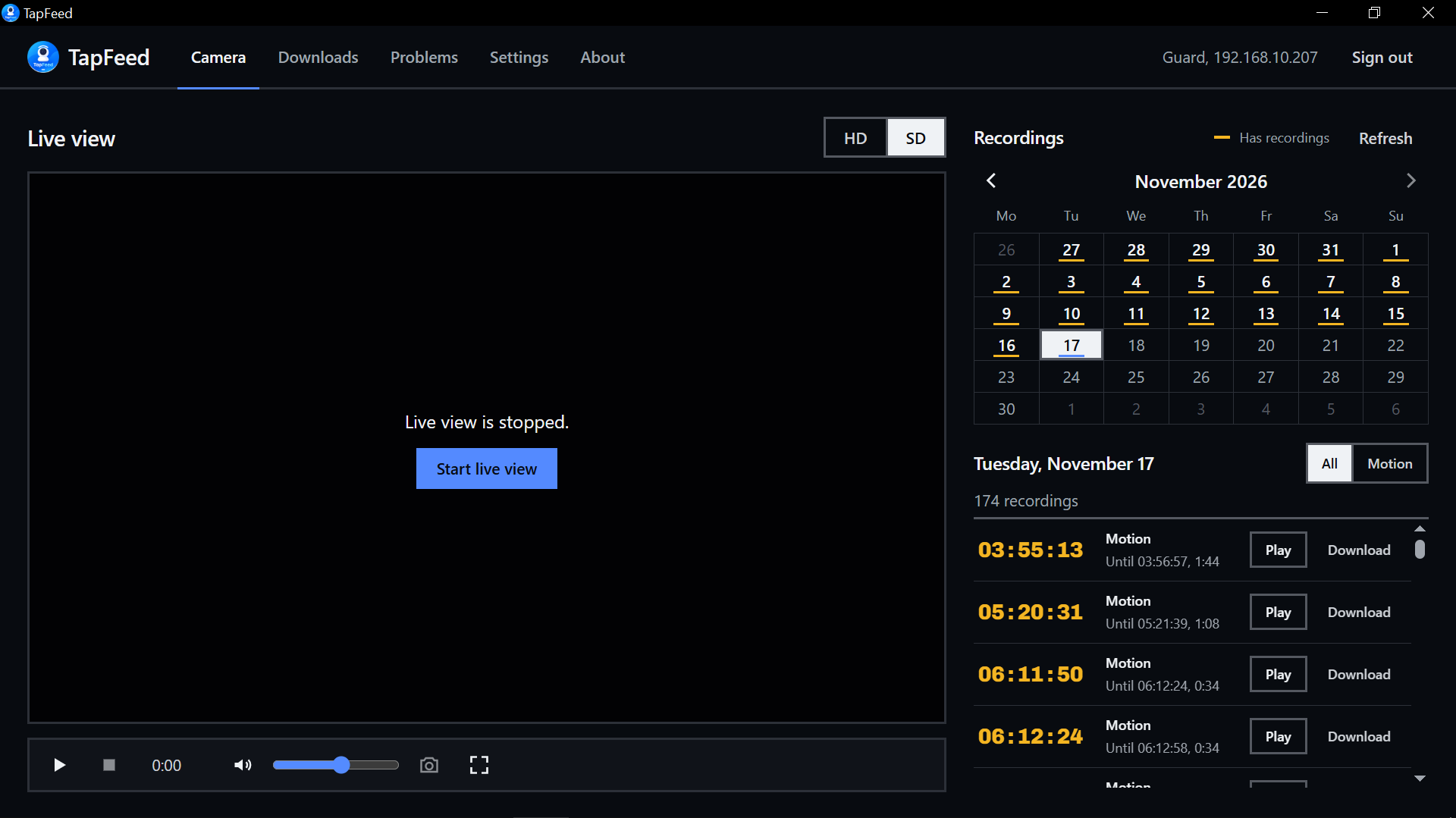
Camera
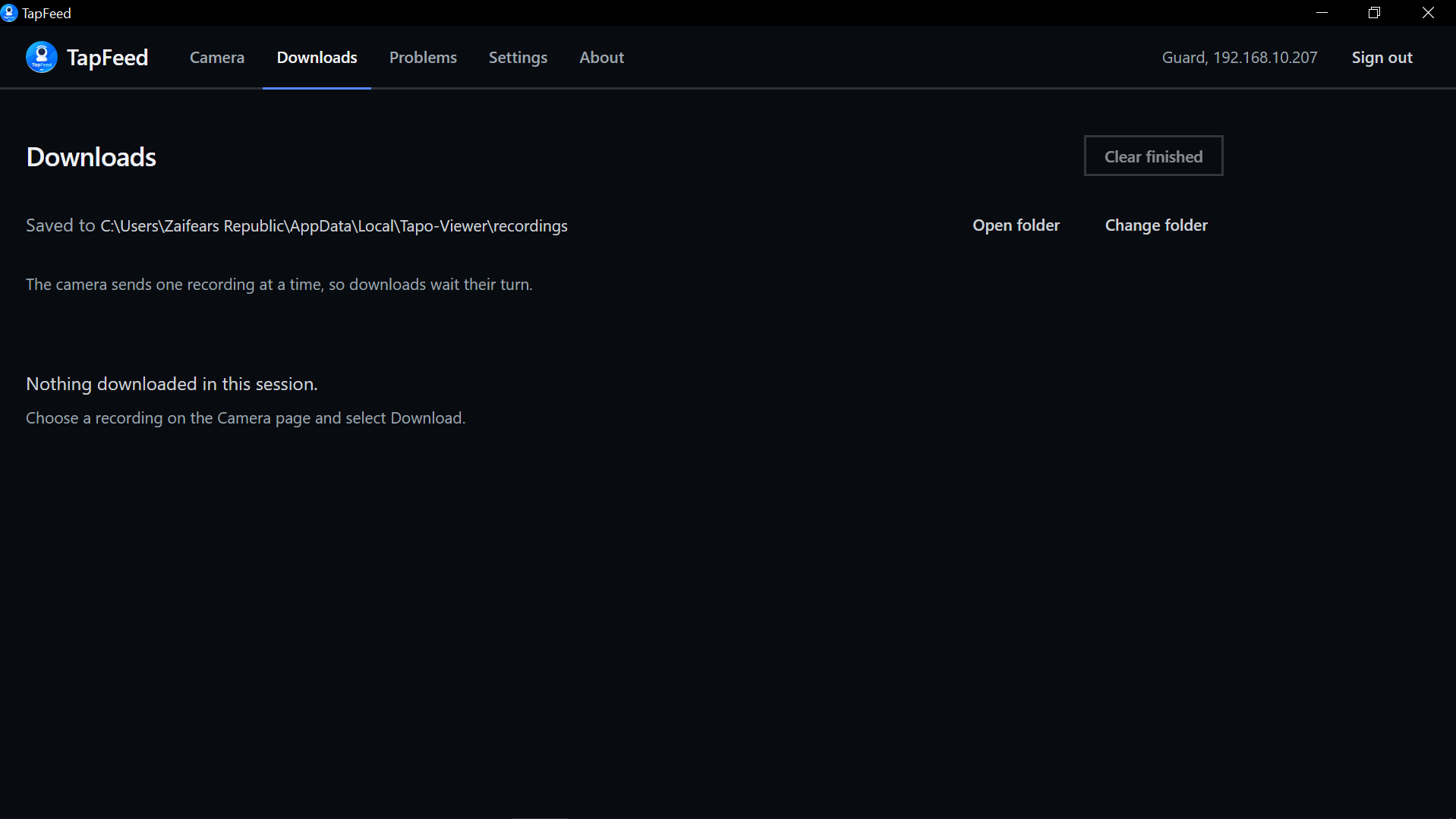
Downloads
| Live view | HD or SD, with sound, full screen and screenshots |
| Pan and tilt | Arrow buttons and saved positions, only on cameras with a motor |
| SD card calendar | Days with recordings are marked; pick one to see its clips |
| Downloads | Saved as .ts video, one at a time, with progress and cancel |
| Plain-language problems | Every error says what happened and what to try |
| Remembers you | Passwords stay in Windows Credential Manager, only if you ask |
| Update notice | A small prompt when a new version is out; you can turn it off |
| Your language | All text comes from one JSON file per language |
Lighter than Tapo-Viewer 1.x, measured on the same PC: a 62 MB download instead of 264 MB, opens in about 3 seconds instead of 24 to 47, and no longer unpacks 610 MB into the temp folder on every start.
Tapo cameras that offer a Camera Account and RTSP live video, for example:
- Indoor: C100, C110, C200, C210, C220, C225, TC70
- Outdoor: C310, C320WS, C325WB, C500, C510W, C520WS
Pan and tilt controls appear only on models with a motor, such as the C200, C210, C225 and C500 (tested on the C200). Battery cameras usually have no RTSP; see TP-Link's list.
Tapo cameras use two logins. TapFeed may need both.
| Camera Account | Tapo app password | |
|---|---|---|
| What | A username and password made inside the camera's settings | The password you use in the Tapo app |
| Where | Tapo app, camera, Settings, Advanced settings, Camera Account | Your TP-Link ID |
| Used for | Live video | Listing and downloading recordings on some cameras |
The camera's IP is in the Tapo app under Device info. Use Test beside the IP to check it. If your Tapo app password differs from the Camera Account password, tick My Tapo app password is different.
Is TapFeed free? Yes. It is open source under the MIT License.
Do I need Tapo Care or the internet? No. TapFeed reads the camera's own microSD card over your home network.
Can I download Tapo SD card recordings to my PC?
Yes. Pick a day in the calendar and select Download. Files are .ts video, which VLC, mpv and most players open.
Is my password safe? Passwords go only to your camera. If you tick Remember, they are kept in Windows Credential Manager, never in a plain file.
What happened to Tapo-Viewer? It is now called TapFeed. On first start, TapFeed copies your Tapo-Viewer settings, saved passwords and language files, and keeps your downloads where they are.
New languages are very welcome. Each language is one JSON file, so no coding is needed.
- Copy
desktop/ui/locales/en.jsonto your language code, for examplebn.json. - Translate the text. Keep the keys and anything in
{braces}. - Add it to
desktop/ui/locales/index.jsonand open a pull request.
To try a translation without building, use Settings, Open language folder in the app, copy _template.json to your code, translate it and restart.
TapFeed talks to your camera over your own network. Passwords are never sent anywhere else. The only internet request is the optional update check to GitHub, which sends no camera details.
Every release is scanned by VirusTotal when it is published. See the scan results and checksums.
Needs Rust (MSVC), Visual Studio 2022 C++ Build Tools, Python 3.10+ with pip install -r requirements.txt, and a 64-bit libmpv-2.dll in vendor/libmpv/.
git clone https://github.com/zaifears/TapFeed.git
cd TapFeed
build_desktop.bat
Output: dist\TapFeed.exe. To update pytapo, run .venv\Scripts\python -m pip install -U pytapo, then build_desktop.bat again.
Camera connection by pytapo from Juraj Nyíri. Video by mpv.
Thank you for using TapFeed. Loved the project? Buy me a coffee please!
Found a bug? Open the issues page and select New issue.
Made by Shahoriar Hossain. MIT License. TapFeed is not affiliated with TP-Link; Tapo is a trademark of TP-Link.
